DIY Website or Hire a Pro? A Guide for Shop Owners

- There's no universal answer to DIY vs. hiring: the right choice depends on your available time, budget, and comfort with technology.
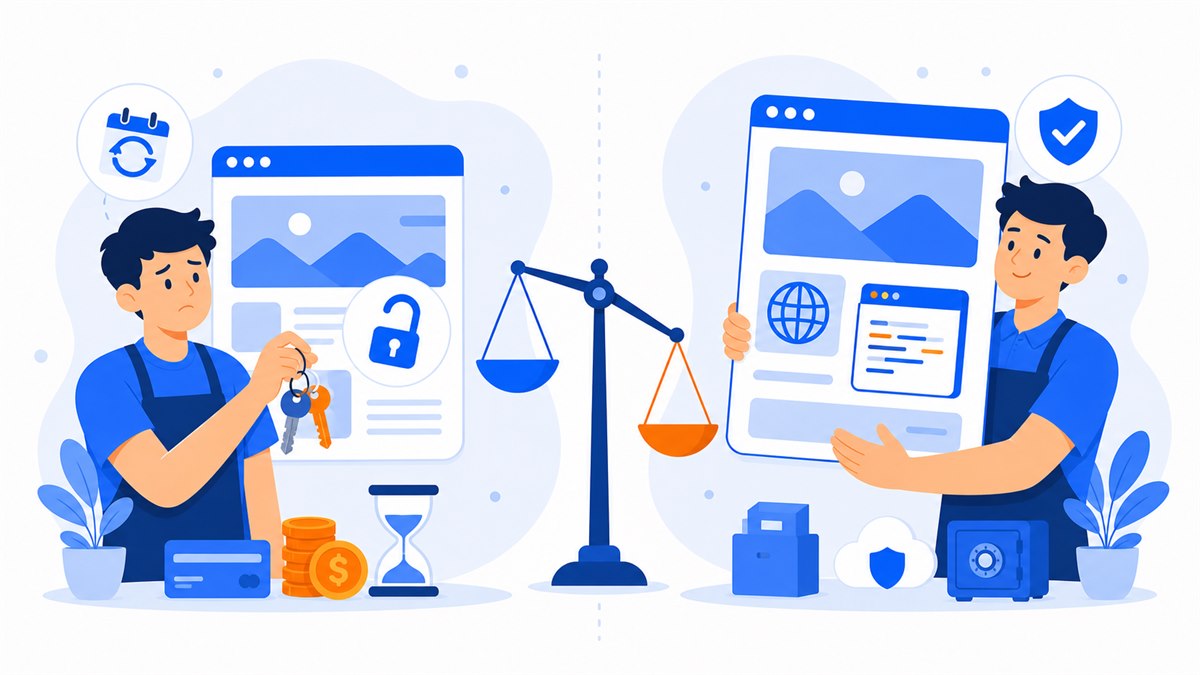
- DIY has no labor fee but costs your time; drag-and-drop platforms charge monthly and the site stops working when you stop paying.
- Hiring saves effort and delivers a polished site from day one — just pick someone with clear pricing, fast turnaround, and full ownership transfer.
- Before hiring, ask about lifetime ownership, who holds the domain, whether source code is included, and what the warranty covers.
- If what you earn in a day of selling exceeds the cost of hiring a designer, DIY is probably costing you more than you think.
Should you build your own website or hire someone to do it? Almost every shop, cafe, or spa owner has asked this at some point. On one side: spend a few evenings dragging and dropping things yourself, no labor cost. On the other: hand it off to someone, save the headache, but pay for it.
There's no single right answer. It depends on your time, your budget, and how comfortable you are with a computer. Here's a clear look at the pros, cons, cost, and time involved in each route.
By the end, you'll know which approach suits you — and if you do decide to hire someone, you'll know exactly what to ask so you don't get burned.
Building it yourself: what you gain, what you give up, and the hidden cost of your time
The biggest draw of going the DIY route is that you don't pay anyone a labor fee. A clothing shop owner can set up her own page, swap in new product photos, update prices before a sale — all without messaging someone and waiting for them to get to it. Full control, whenever you need it.
What you give up is harder to see because it never shows up on an invoice. That's your time. Someone building their first website and wanting it to look decent should expect to spend anywhere from a few evenings to a full week figuring things out: picking a template, arranging the layout, resizing photos to fit, adding a call button, adding Zalo. And that's before the small details that trip almost everyone up.
Common sticking points when you go DIY
- The page looks fine on your laptop but breaks apart on a phone — even though most customers in Vietnam browse on their phones.
- Heavy image files make the page spin and spin; visitors won't wait longer than about 3 seconds before they leave.
- Forgetting to set up https (the padlock icon), which causes browsers to flag the site as unsafe and puts customers off.
- Not submitting the site to Google, so after all that work, searching your business name still turns up nothing.
DIY works well if you're patient, have free time, and are okay starting with something basic and improving it later. But if you're already juggling sales and deliveries on your own, spending several evenings wrestling with a website is a real cost — even if no one sends you a bill for it.
Drag-and-drop platforms and the math behind monthly fees
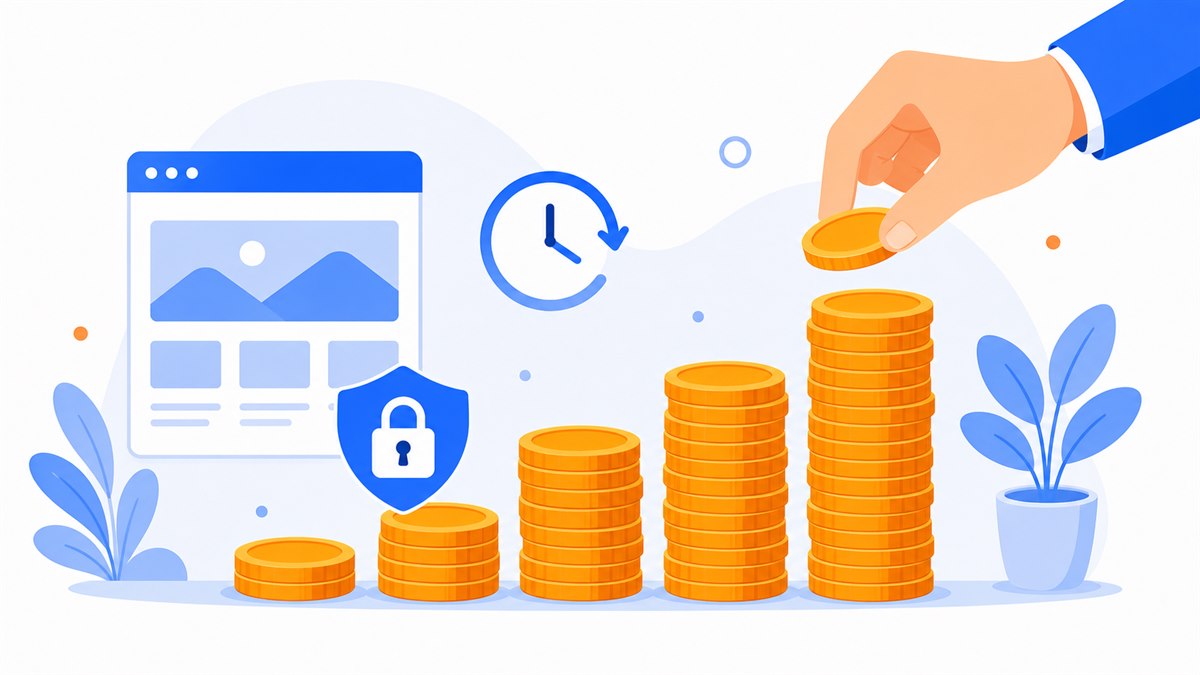
Most people who build their own site use a drag-and-drop platform. Pick a template, move text blocks around, drop in photos — sounds easy. The catch is in how these platforms charge: almost all of them run on monthly subscriptions, typically anywhere from $8 to $36 a month depending on the plan.
Run the numbers. A cafe paying for a mid-tier plan at around $14 a month spends about $168 in a year. Over three years that's $504 — and at no point does the site actually belong to them. The month they stop paying, the site goes dark and everything they built disappears with it.
A drag-and-drop subscription is like renting a place to live: it's comfortable while you're paying, but the day you stop, you pack up and leave with nothing.
On top of that, most platforms lock useful features behind higher tiers: removing their branding, using your own domain, adding a store page — all costs extra. I've written about this in more detail in monthly website subscription vs. lifetime ownership, worth reading before you commit so you don't regret it later.
Hiring a web designer: where it pays off and where it falls short
Hiring someone means you describe what you need, send your photos and content, and receive a finished page. The clearest benefit is that you don't touch the technical side at all — and the result is usually sharper than anything built by trial and error: works cleanly on mobile, images load fast, https is set up, Google can find it from day one.
Where hiring wins
- Saves time: you focus on running your business, someone else handles the site.
- Mobile-ready, fast-loading, secure, and technically correct from the start.
- Someone to call when something breaks — no troubleshooting at midnight.
- Usually comes pre-wired with Zalo, Messenger, tap-to-call, and a contact form.
Where hiring falls short
- Upfront cost. On the market, a landing page typically runs $80 to $200.
- You have to wait. Many studios promise 3 to 5 days; some drag it out to a week or more.
- Small edits may require messaging the designer, rather than making changes yourself on the spot.
The first two — cost and wait time — are why a lot of shop owners hesitate. When comparing outside vendors, don't just look at the quoted price; ask clearly about turnaround time, what revisions are included, who owns the domain, who handles hosting, and what ongoing costs look like. For a solid benchmark on pricing, see a realistic website pricing breakdown.
DIY website or hire a pro: which fits you?
Don't ask which option is better. Ask which one fits your situation. Look honestly at three things: how much free time you have, how much you can afford, and how comfortable you are with a computer.
DIY is probably for you if
- You have free time and don't mind spending a few evenings figuring things out.
- Your budget is very tight and you want to start with almost no labor cost.
- You're fairly comfortable with a computer — editing images, writing content doesn't frustrate you.
- You're fine with a basic site at first and happy to improve it gradually.
Hiring is probably for you if
- Your time is worth more than the cost of hiring — you need to stay focused on selling.
- You want a polished site that works well on mobile from day one.
- Technical things make you nervous: https setup, page speed, Google indexing.
- You need a credible page to run ads from, or to make a strong first impression.
Here's a simple way to think about it: if what you earn in a single day of selling is more than what it costs to hire someone to build a site, then spending several evenings on DIY is a losing trade. Especially when the hiring fee is close to just a day or two of sales — and you get a proper site right away.
Questions to ask before hiring a web designer
If you're leaning toward hiring, don't rush to sign off just because a quote looks low. Asking the right questions upfront will save you from paying and walking away with nothing solid in hand.
- Do I own the site outright after you finish, or am I paying monthly to keep it running?
- Who is the domain and hosting registered under? It should be in your name — otherwise it's not really yours.
- Will I receive the source code, so I can move to another provider later if I want?
- Does it have https (the padlock), and does it work properly on mobile?
- What's the turnaround time, and how many revision rounds are included at no extra charge?
- Can I see a demo before paying? Is there any technical warranty after launch?
Ownership is the most important question. A lot of people think they've bought something outright, only to realize later they were just renting — and when they try to leave, the site can't go with them. Ask upfront: is the domain in your name, will source code be handed over, are there any monthly fees, how many revision rounds, and who is responsible if something breaks.
DIY or hire: a quick guide by situation
To make the choice easier, here's how it breaks down by common situation for shop, cafe, and spa owners:
- Just starting out, almost no budget, have free time: go DIY to learn, accept a basic site, improve over time.
- Currently on a drag-and-drop subscription and noticing the fees adding up: look into a fully owned site to cut the monthly expense.
- Busy running the business, don't want to deal with technical stuff, want it right from day one: hiring makes sense — just pick someone with clear pricing, fast delivery, and full ownership transfer.
- Need a site fast for an ad campaign or a busy season: prioritize whoever can deliver quickly with https and solid mobile performance.
If you're still on the fence about whether a website is actually necessary — or whether selling on Facebook is enough — read why small businesses and sole traders need a website before you decide.
And if you're leaning toward hiring and want a clear, fast, no-surprise option, ask for a quote that spells out everything: domain, hosting, SSL, mobile-ready, basic SEO setup, Zalo, Messenger, tap-to-call, full ownership, and what the renewal cost looks like from year two onward. View the demo on your phone before paying to make sure the site actually works the way a customer will use it.
Frequently asked questions
Is building your own website really free?
Not quite. You don't pay a labor fee, but you do spend time — often several evenings figuring things out. If you use a drag-and-drop platform, you'll usually pay a monthly subscription of around $8 to $36, and the site goes offline or gets restricted if you stop paying. Domain and hosting add up as well, typically $12 to $32 a year for the domain and around $40 a year for hosting.
How much does hiring a web designer usually cost?
On the market, a landing page typically runs $80 to $200 with a wait of about 3 to 5 days. Some studios are faster or offer clearer all-in packages, but compare scope carefully: check whether domain, hosting, SSL, ownership, revision rounds, and ongoing costs after year one are included.
Can someone who isn't tech-savvy build their own website?
Yes, but it takes effort. Drag-and-drop platforms make it possible to get a page up, but things like https, page speed, mobile layout, and getting Google to index the site are easy to miss or get wrong. If technical details make you nervous, hiring is the lower-stress path.
After hiring a designer, does the site belong to me?
It depends on the arrangement. Always ask: is it lifetime ownership, who holds the domain and hosting registration, and will you receive the source code? If you pay once and get full handover, it's yours. If you're paying monthly, you're effectively renting.
I'm on a drag-and-drop subscription — should I switch to an owned site?
Worth calculating. Multiply your monthly fee by 24 or 36 months. If that total is higher than what a fully owned site would cost, switching will save you money in the long run and you'll actually own something at the end.
Need a professional website or landing page?
Web Trong Ngày delivers in 24 hours, all-in for $40 — preview the demo first, pay only when you are happy, own it for life.