A Basic On-Page SEO Checklist for New Websites
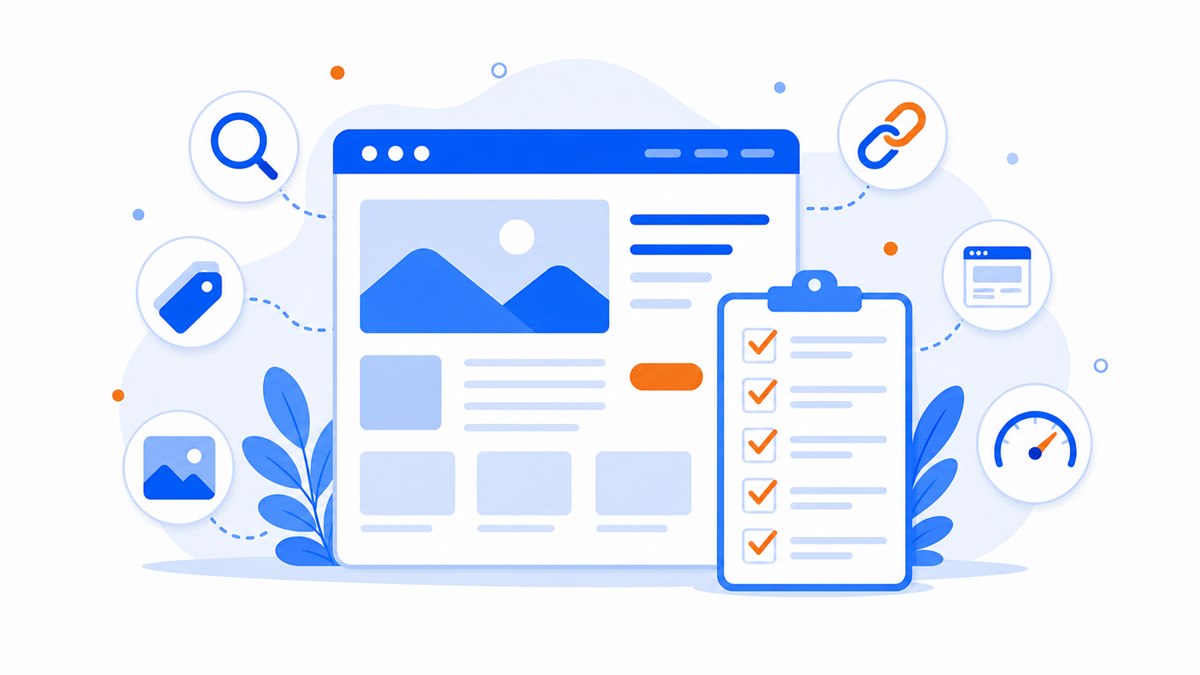
- On-page SEO is work you do directly on your pages — no ad spend, and it builds a foundation that lasts.
- Start with the quick wins: a keyword-led title tag, a clear 1-2 sentence meta description, and one unique H1 per page.
- Short hyphenated URLs, real image alt text, and compressed images all make it easier for both visitors and Google to read your pages.
- Content must answer what the visitor is actually looking for; fast loading and a clean mobile layout are non-negotiable since visitors leave after about 3 seconds.
- Internal links with descriptive anchor text keep visitors exploring your site and help Google understand how your pages relate.
On-page SEO covers everything you adjust directly on your own pages so Google understands what each page is about and ranks it for the right searches. Unlike running ads, this is work you can do yourself, it costs nothing, and once it's done it stays done.
I meet a lot of clothing shop owners and café owners who have a website but can't find themselves anywhere on Google no matter what they search. Most of the time it's not because some bigger competitor beat them — it's because the basics on each page haven't been filled in: blank title tags, no description, every page sharing the same H1.
This is a concise checklist so you can go through each page one by one. No long theory, just practical steps with real examples from a restaurant, a shop, or a spa.
Title tags and meta descriptions: the two lines that decide whether someone clicks
The title tag is the blue link text that shows up in Google search results, and the meta description is the grey paragraph just below it. These are the first two things a person reads before deciding which result to open. Many new websites leave both blank, so Google just grabs a random line from the page — which usually looks messy.
Put the most important keyword near the start of the title and keep it short enough not to get cut off in search results. A spa in a particular district should write something like "Skin Care Spa [District] — Spa Name" rather than just the brand name alone, which nobody searches for. Each page needs its own unique title — don't use the same line for the home page, the service page, and the contact page.
- Title tag: keep it concise, lead with the keyword, give every page a different title.
- Meta description: write 1-2 short sentences, say clearly what's on the page, and include a call to action such as "See the price list and book now."
- Don't cram the same keyword in repeatedly — write it like a natural pitch that makes someone want to click.
How to structure H1 and H2 headings properly
H1 is the biggest heading on a page — think of it as the page's name. Each page should have exactly one H1, and it needs to say clearly what the page is about. A pho restaurant that sets its H1 to "Traditional Beef Pho — Cau Giay" is far clearer than one that just writes "Home" or a bare brand name.
Below the H1, use H2s to break the page into sections: introduction, menu, pricing, reviews, contact. This structure helps Google understand what content the page contains, and it also helps mobile visitors skim quickly. Don't make text bigger just for looks and then tag it H2 at random — let each heading tag play its proper role.
- One H1 per page only, containing the main keyword for that page.
- Use H2 for major sections, H3 for sub-points within a section.
- Keep the order logical from top to bottom — don't jump from H1 straight to H3.
URLs and image alt text: two small things that often get skipped
Each page's URL should be short, use hyphens, and be written without special characters. A service page should look like /skin-care-spa, not /page?id=1234 or a jumble of random characters. A clean URL is easier to remember and gives Google a clue about what the page covers.
Google can't see images — it can only read the alt text attached to them. Every product photo or service image should have a real description, for example "Men's linen shirt in beige" rather than leaving it blank or keeping a filename like "IMG_2025.jpg". Doing this also gives your images a chance to show up in Google's image search.
Useful content that matches what the visitor is actually looking for
Google is increasingly good at spotting which pages genuinely answer a visitor's question. So the most important part of on-page SEO isn't a technical trick — it's the content itself. Think about what someone searching that keyword actually wants to know, then write to give them exactly that.
Someone searching "men's haircut price [district name]" wants a clear price list and an address — not a paragraph about the salon's history. Someone searching "how to choose a wedding dress for your body shape" wants detailed guidance. If you're not sure how SEO works yet, read what SEO is and why business owners should care before diving into the on-page details.
- Each page targets one topic and one core keyword group — don't pile everything onto a single page.
- Answer the visitor's question in the first few lines; don't make them scroll forever to find what they need.
- Add real information only you have: your prices, address, opening hours, actual photos, reviews from regulars.
Write the content for the reader first, Google second. A page that visitors find useful will earn a higher ranking too.
Page speed and mobile display
Most visitors in Vietnam browse on a phone, and they leave very quickly if a page loads slowly. Users typically abandon a page after waiting about 3 seconds. A beautiful but heavy site that takes forever to open still loses customers — and a slow page has a harder time competing when a competitor offers a better experience.
Two things to check: does the page load fast, and does it display neatly on a phone? Text should be large enough to read without zooming, buttons should be big enough to tap with a finger, and nothing should spill off the edge. For a closer look at how to improve this, see why page load speed matters and why most visitors browse your website on a phone.
- Compress images, trim animations and unused code to keep pages lightweight.
- Open your site on your own phone and read through it and tap things like a real visitor would.
- Leave enough spacing between buttons so visitors don't tap the wrong one.
Internal links between your pages
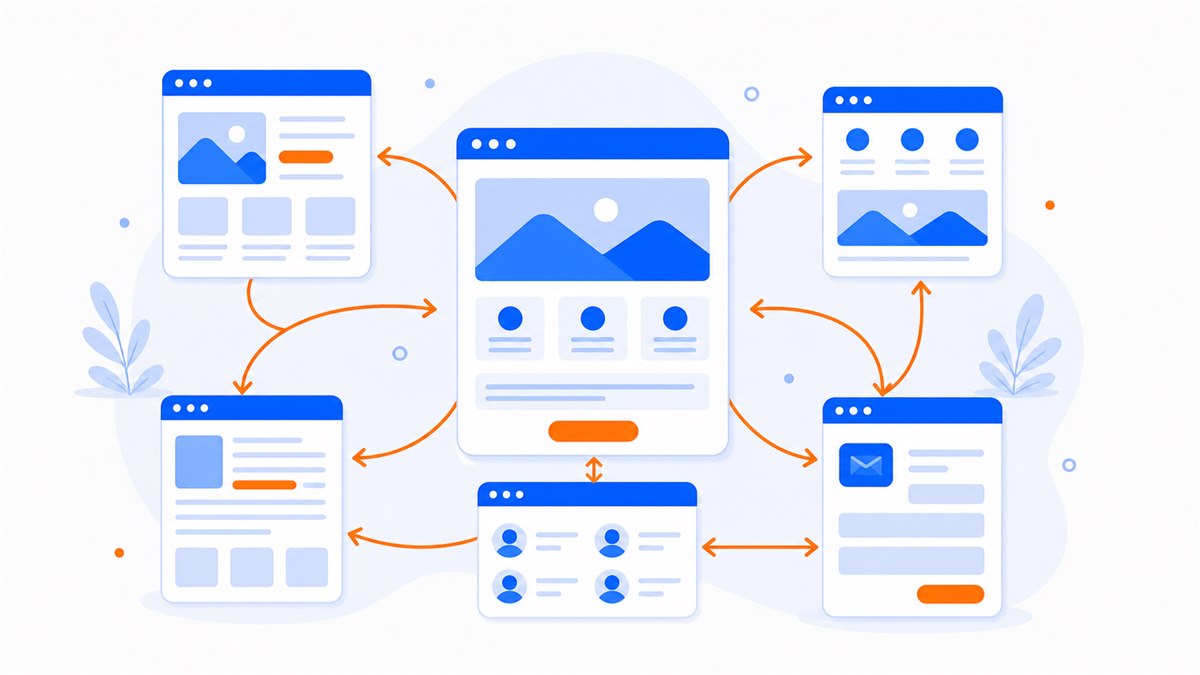
An internal link is when one page on your site links to another page on the same site. It keeps visitors moving deeper into your site rather than viewing one page and leaving, and it helps Google discover and understand how your pages relate to each other.
The approach is simple: on each post or page, link to 1-3 related pages using descriptive anchor text. A skincare article can link to your service pricing page; a product page can link to your order or contact page. Avoid anchor text like "click here" — use the actual name of the destination so both visitors and Google know where the link leads.
A condensed on-page SEO checklist to apply right now
Here is the short version to check each page against. Print it out or save it — every time you add a new page, run through it once and you're covered.
- Title tag is concise, includes the keyword, and is unique to this page.
- Meta description is 1-2 short, clear sentences with a call to action.
- Exactly one H1 per page; sections divided with logical H2 and H3 headings.
- URL is short, uses hyphens, and contains no special characters.
- Every image has real alt text and has been compressed.
- Content answers what the visitor is actually searching for, with real details about your business.
- Page loads quickly and displays cleanly on a phone.
- Each page links to a few related pages using descriptive anchor text.
If you're building a new website, treat this checklist as the foundation you need in place from day one: clear structure, readable content, lightweight images, easy-to-tap contact buttons, and a page that works well on mobile. Web Trong Ngay builds every site this way as standard — one flat fee of $40, no monthly charges, and you own everything outright.
Frequently asked questions
What is on-page SEO?
It's everything you adjust directly on your own web pages so Google understands what each page is about and ranks it higher. This includes the title tag, meta description, H1-H2 structure, URLs, image alt text, content, and internal links. It's work you can do yourself, with no ad spend required.
What on-page SEO should a new website tackle first?
Start with the three quickest wins: fill in the title tag and meta description for every page, give each page exactly one H1, and write alt text for your images. These are the things most often left blank, and they have a direct impact on how your pages appear in Google.
Do I need to hire an expert for on-page SEO?
Most of the basic checklist you can handle yourself as long as your website builder lets you edit the title, description, and image alt text. You only need to hire someone when you want to compete for harder keywords. A site built to the right standards from the start saves you a lot of work later.
How long after doing on-page SEO will my site show up on Google?
There's no fixed timeline. Google needs time to crawl and re-evaluate your pages, which typically takes a few weeks to a few months depending on how competitive the keyword is and how established your site is. On-page SEO is a foundation — results build up gradually, not overnight.
Need a professional website or landing page?
Web Trong Ngày delivers in 24 hours, all-in for $40 — preview the demo first, pay only when you are happy, own it for life.