Website for Household Businesses: What to Prepare, What It Costs, and How to Start
- A household business website should start from one main goal: menu views, bookings, quote requests, address checks or helping customers verify business details before contacting you.
- A one-page website or landing page is enough for many restaurants, shops, spas, salons, classes and local services before a larger system is needed.
- The page should include clear business type, main products or services, prices or quote method, address, opening hours, real proof and easy contact channels.
- Prioritize mobile first: customers of shops, restaurants and local services often open links from Facebook, Zalo, Google Maps, QR codes or ads on their phones.
- Before choosing an affordable package, ask about domain, hosting, SSL, technical warranty, ownership, renewal fees and possible extra costs.
One customer messages on Zalo to ask for prices. Another asks for the address. Someone else asks about opening hours. By the evening, the owner realizes they have answered the same few questions more than ten times. This is often when a simple website starts to help.
Many household businesses still sell well through repeat customers, Facebook, Zalo or a good physical location. But when customers start searching on Google, scanning QR codes, clicking ads or checking information before visiting, a website gives the business a stable place to present itself and share one clear link.
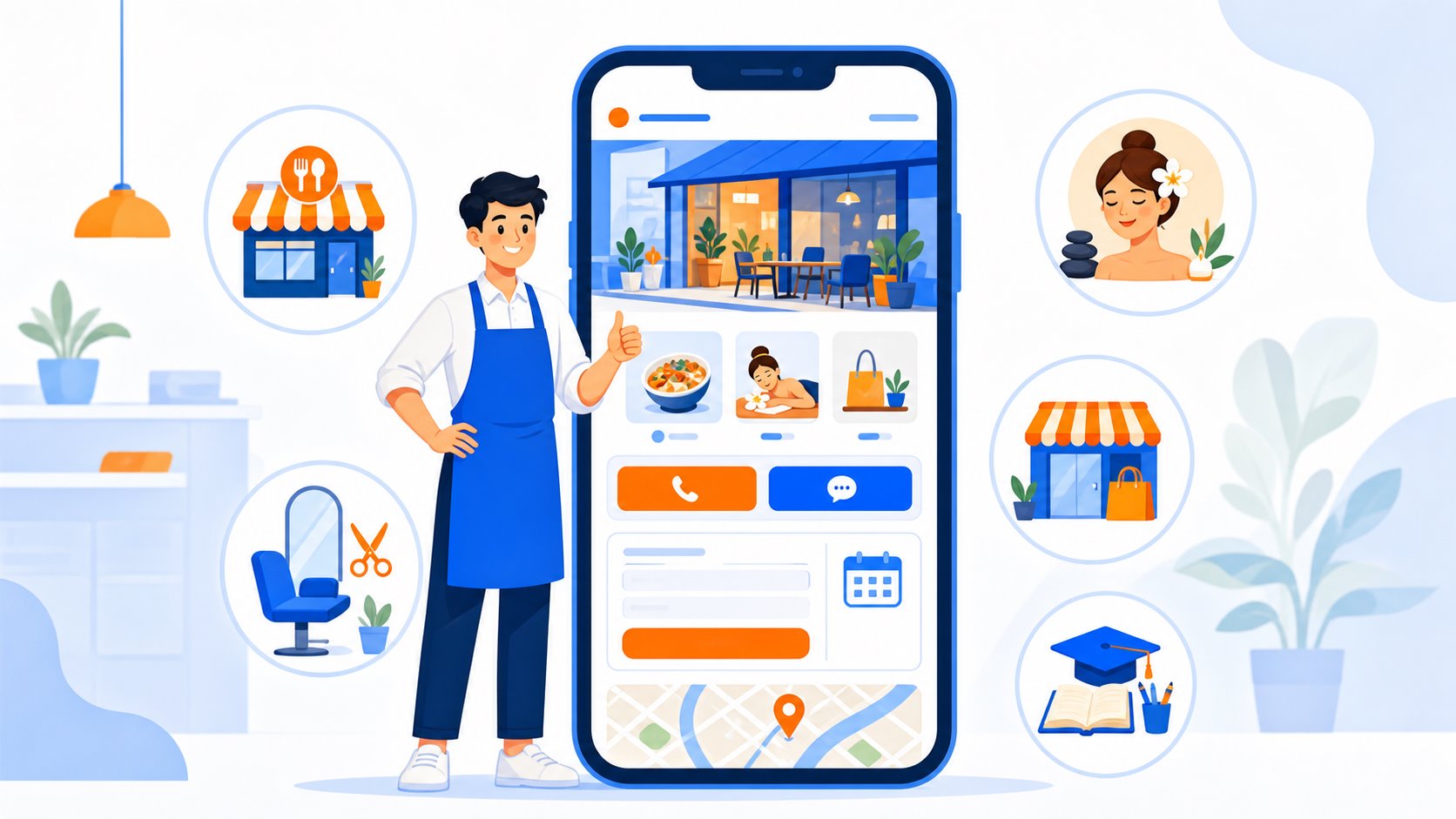
For restaurants, cafés, spas, barbershops, fashion shops, small clinics, classes or local services, the practical starting point is usually not a complex system. Start with a page that answers what customers need to know before they contact you.
A one-day starting roadmap
If you need a website quickly for ads, QR codes or customer messages, start with four questions:
- What should visitors do on the website? View the menu, book, request a quote, check prices, find the address or check details before visiting.
- Do you need a one-page site or a multi-page website? If you only need to introduce the business and guide visitors to one main action, a one-page site is often enough.
- What content do you need to prepare? Real photos, main services, prices or quote method, address, opening hours, policies and common customer questions.
- What is the budget and maintenance cost? Clarify the initial price, domain, hosting, renewal cost, revision policy, technical warranty and ownership.
Once these four questions are answered, the page becomes much easier to build. The sections below explain why each decision matters.
When does a household business need a website?
Not every household business needs a website on day one. But if customers keep asking the same basic questions, or you want to run ads more seriously, a website saves consultation time and gives customers clearer information to check before contacting you.
Consider building a website when:
- Customers often ask about prices, services, menu, address, opening hours or policies.
- You need one clear link for Facebook, Zalo, Google Maps, TikTok, QR codes or business cards.
- You want an ad landing page for one offer, service or product group.
- You want customers to check details before calling, booking or visiting.
- You want to reduce reliance on social posts that quickly get buried.
How is a website different from Facebook and Zalo?
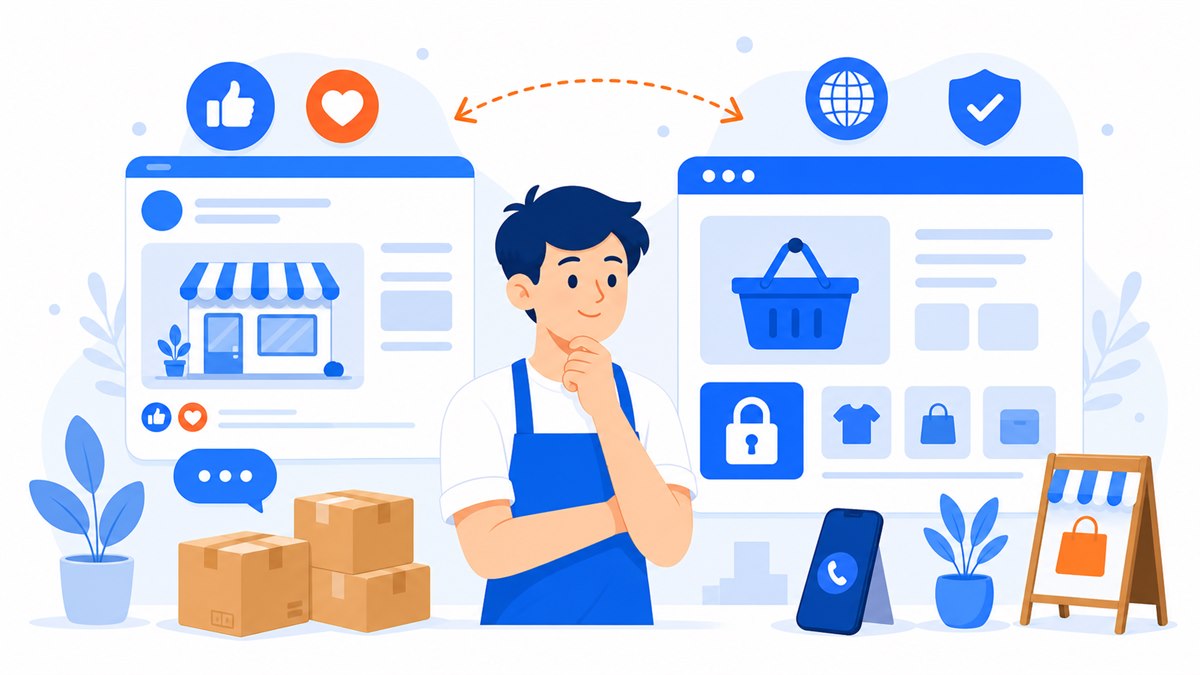
Facebook pages and Zalo are useful for conversations, posts and customer care. A website is better for fixed information: core services, prices, photos, address, FAQs and the main call to action.
Social media is where customers meet you; the website is where you arrange information in the order you want them to see it.
A new customer may discover you through a Facebook ad, but still wants to check whether the business is real, pricing is clear, the location is convenient and there are real photos or customer feedback. The website should handle that checking step, while Facebook and Zalo continue the conversation.
If you are deciding between a website and a Facebook page, read Website vs Facebook Page for a clearer breakdown.
Should you build a one-page site or a multi-page website?
For most household businesses, a one-page website is the better first step. It helps visitors quickly take the action the business cares about. A multi-page website makes sense when you have many service groups, branches, SEO articles or a larger ecommerce plan.
Choose a one-page site when
- You need to introduce the shop or main service quickly.
- You want a sales landing page for one offer, course, treatment or featured product.
- Customers mainly convert through chat, phone calls or bookings.
- The initial budget is limited and you need a page that is good enough to start.
Choose a multi-page website when
- You have many product categories or service groups to present separately.
- You need SEO articles, hiring pages, policy pages, project galleries or multiple locations.
- You need cart, online payment, order management or customer accounts.
- You plan to grow the website into a long-term sales channel.
If you are not sure which type you need, read Landing Page vs Website.
What should a household business website include?
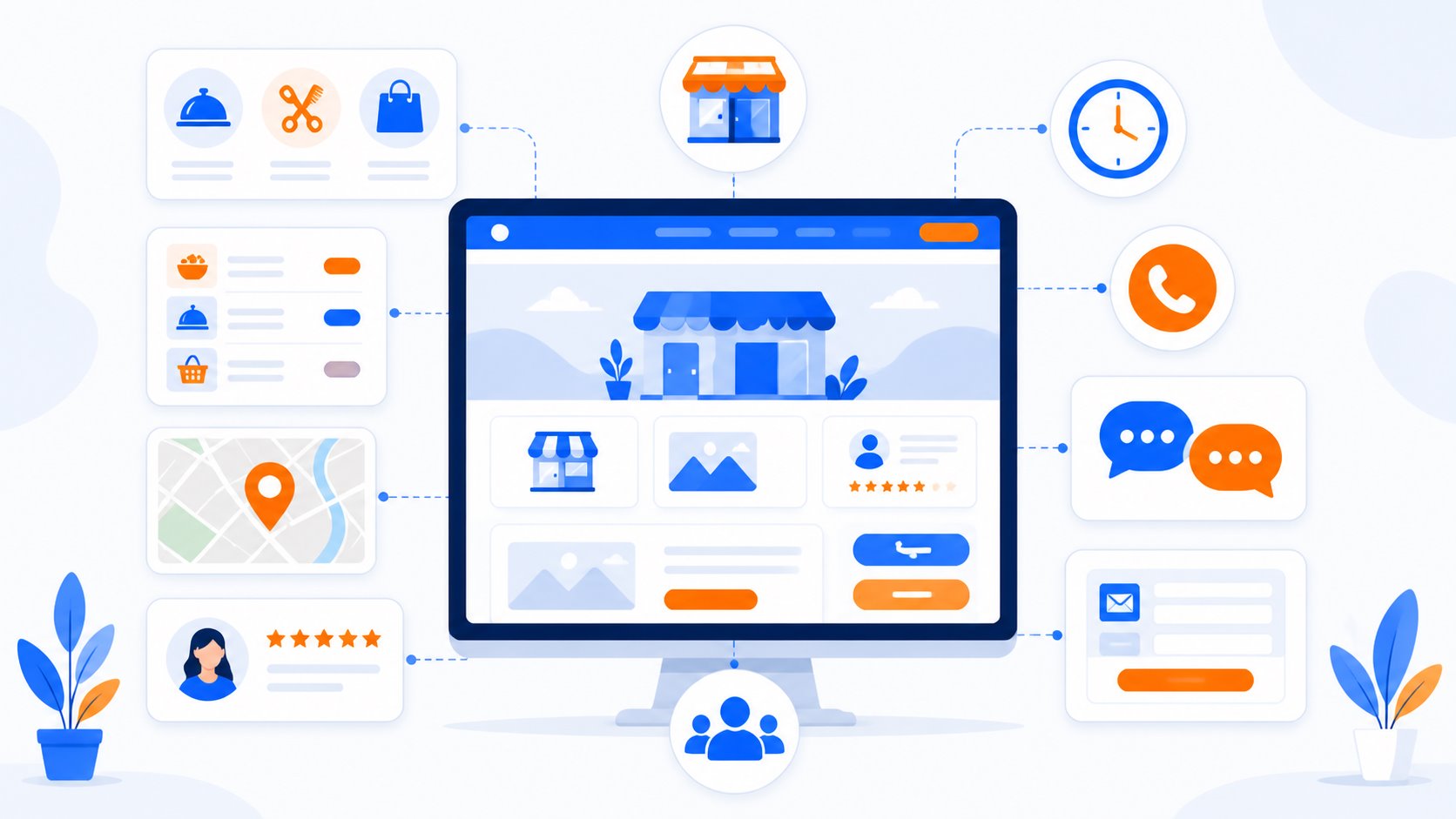
The page does not need heavy effects. Clear information matters more, so customers do not have to ask again about basic details. A household business website should include:
- A clear first screen. Visitors should immediately know whether this is a restaurant, spa, barber, shop or service business.
- Main products or services. Short descriptions, real photos, prices or how to request a quote.
- Address and opening hours. Especially important for restaurants, cafés, spas, salons, clinics and classes.
- Easy contact channels. Choose one or two main actions instead of giving every button the same weight.
- Real proof. Store photos, product photos, customer feedback, or certificates where relevant.
- FAQ and policies. Questions about booking, returns, warranty, delivery, reservations or consultation.
For local household businesses, address, opening hours and real proof can matter as much as visual design. If customers cannot find basic information, they may simply choose another provider.
Suggestions by common business type
Each industry should emphasize different details. A packaged website for a restaurant should not lead with the same information as one for a spa, fashion shop or class.
| Business type | What customers need to see first |
|---|---|
| Restaurant/café | Menu, featured dishes, address, opening hours, table booking, map and space photos. |
| Spa/beauty | Services, prices, treatment packages, facility photos, certificates if available and booking method. |
| Fashion shop | Product photos, sizes, return policy, collections and a quick way to get advice. |
| Salon/barbershop | Service pricing, real hair photos, main stylists, location and booking method. |
| Class/small course | Curriculum, schedule, tuition, instructor and registration form. |
| Real estate | Location, legal status, amenities, floor plans, images and consultation method. |
The shared rule is to keep one main action. If the goal is booking, prioritize the path to booking. If the goal is consultation, make the form and chat channel easy to find.
Customers open the website on phones: check these 5 things first
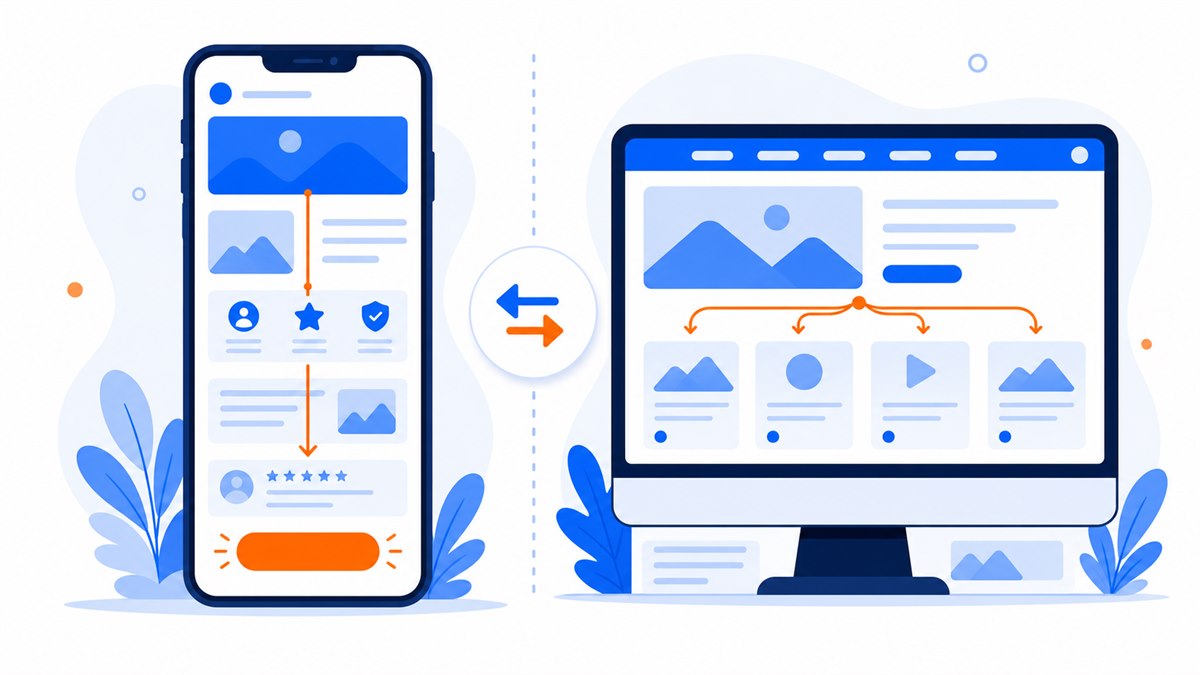
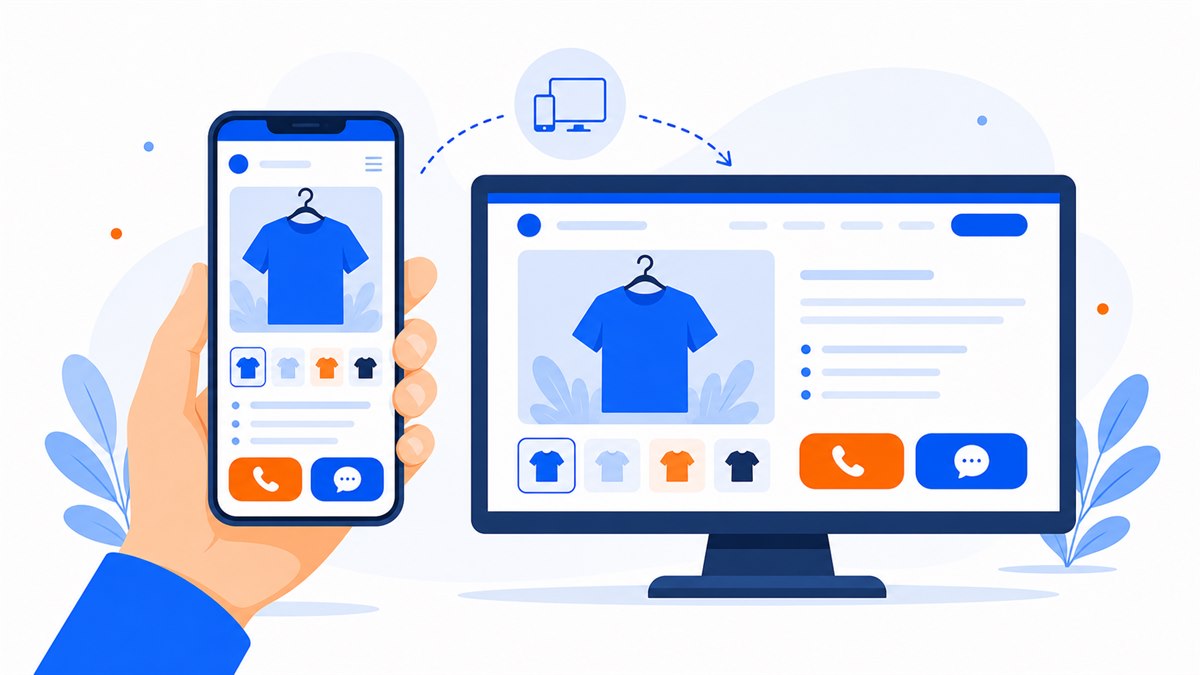
Customers usually open household-business links on phones: from Facebook, Zalo, Google Maps, in-store QR codes or ads. The mobile version should be checked before the desktop version.
- Text should be large enough to read with one hand.
- Call, message, booking or direction buttons should be easy to tap.
- Images should be lightweight and load fast on mobile data.
- Forms should be short and not ask for too much information.
- The layout should avoid horizontal overflow, overlapping text and cramped buttons.
Before publishing, open the website on a real phone and tap every button. The mobile-friendly website checklist goes deeper into this step.
What does the cost include?
When looking for an affordable website, do not only compare the initial design price. Ask whether the package includes domain, hosting, SSL, forms, chat buttons, revisions and ownership.
A basic package for a household business should clarify:
- Which pages or sections are included.
- Whether the first year of domain and hosting is included.
- How much renewal costs from year two.
- Whether chat, quick call, form and map are included.
- Whether the site is mobile-friendly, uses https and gets basic speed optimization.
- What the revision policy is before and after handover.
- How long technical bugs are covered after handover.
- Who owns the website and source code after handover.
Using the checklist above, a starter website package should make the initial cost, renewal cost, warranty and ownership clear. This is also how Web Trong Ngày structures the $40 package for simple website needs: demo in 24 hours, first-year domain and hosting included, essential contact channels, mobile-friendly layout, demo preview and revision until approval before payment, lifetime warranty for code-related technical bugs, and full website source-code handover.
The guide What Does a $40 Website Package Include? lists the package in more detail.
Frequently asked questions
Can I build a website if I do not have content yet?
Yes, but prepare at least the business type, main services, service area, phone number, chat channel, address if available and a few real photos. If the content is rough, the web team can help turn it into a clearer page structure.
Are phone photos good enough for a website?
Yes, if they are bright, clear and not too blurry. For small household businesses, real phone photos can feel more authentic than stock images, especially for store space, products, team members or service process.
Can I reuse an existing domain?
Usually yes if you still control the domain or can update DNS. Before starting, check which account owns the domain, when it expires and who has the login details.
Can I edit the content myself after handover?
It depends on the website structure and handover scope. With a simple static website, major edits usually need technical support. When choosing a web provider, ask clearly about content support time, revision rounds and bug-fix policy after handover.
Can a household business landing page be done in 24 hours?
Yes, if the content and photos are ready and the scope is a one-page introduction or sales landing page. Larger systems with complex carts, many product pages or online payment need more time.
Not sure whether your business needs a one-page site or a multi-page website?
Send Web Trong Ngày your business type and goal. We will suggest a suitable website structure before building. If you only need a simple website, the $40 package is delivered in 24 hours, with demo preview before payment.