Website for Small Shops: What Do You Need to Sell Online?

- A small shop should treat its website as its own address for fixed information, customer checking and traffic from ads or Google.
- A one-page website or sales landing page is a good starting point when the shop does not have many categories and mainly closes orders through Zalo, Messenger or calls.
- A small shop website needs featured products, real photos, benefits, policies, trust signals, FAQ and easy contact buttons.
- Mobile-friendly design is essential because most customers open links on phones.
- Before choosing a cheap package, ask about domain, hosting, SSL, forms, chat buttons, ownership, revision rounds and maintenance fees.
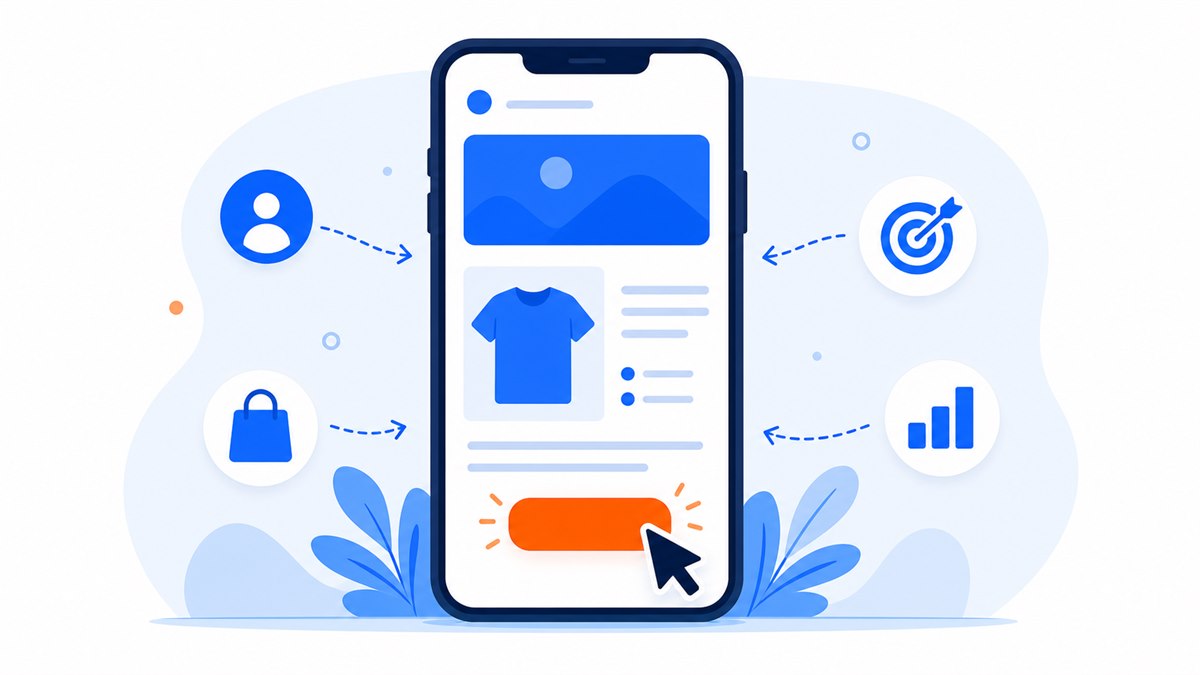
Many small shops already sell through Facebook, Zalo or online marketplaces, so a separate website may feel unnecessary. But once you start running ads, launching more products, or need a stable place where information does not disappear under old social posts, a simple website gives customers somewhere to check details and message.
A website for a small shop does not have to be a large ecommerce system from day one. For fashion shops, cosmetics, snacks, accessories, small courses or handmade products, a practical starting point is a one-page website or sales landing page: present the main products, show real photos/policies/feedback if available, add Zalo/Messenger buttons and collect leads through a short form.
What does a small shop need a website for?
A website does not replace your Facebook page, Zalo or marketplace store. It works as your own address, where customers can check fixed information: what you sell, which products are featured, the price range, policies and how to contact you.
For a small shop, a website usually supports four goals:
- Present products clearly without information getting buried under social posts.
- Help customers check the shop name, products and policies before buying.
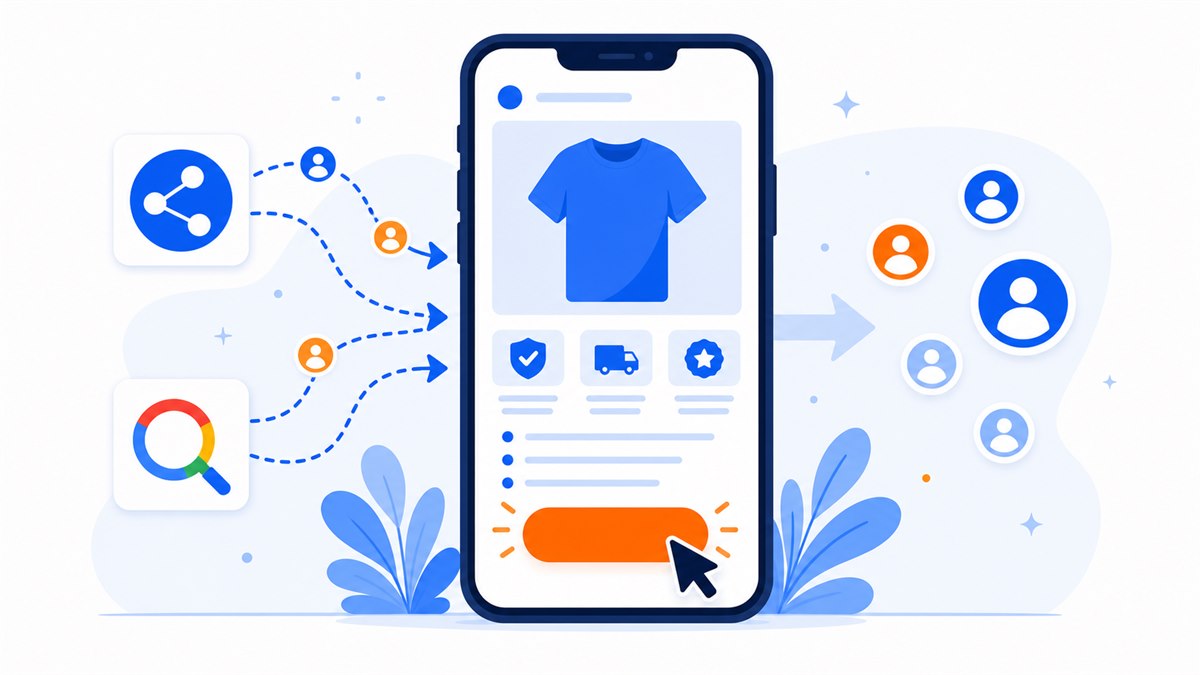
- Serve as a landing page for Facebook, Google, TikTok or Zalo ads.
- Collect customer details through a form, call button, Zalo or Messenger.
Should you build a one-page site or a multi-page website?
Most small shops should start with a one-page site if the product range is still focused and the main goal is to introduce the offer, collect leads or run ads. A one-page website lets customers scroll through everything on mobile without navigating many pages.
A sales landing page is a good fit when the shop has one featured product group, one promotion, one new collection or one campaign. If you are not sure how a landing page differs from a normal website, read What Is a Landing Page?.
Choose a one-page site when
- The shop is just starting online and needs a simple introduction page.
- There are not too many products, only a few key items to feature.
- The goal is for customers to message on Zalo/Messenger, call, leave a phone number or order through chat.
- You need an ad landing page quickly.
Choose a multi-page website when
- The shop has many product categories, collections or customer groups.
- You need SEO blog posts, policy pages, brand story pages or partner recruitment.
- You need cart, online checkout, customer accounts or order management.
- You want to grow the website into a long-term independent sales channel.
What should a small shop website include?
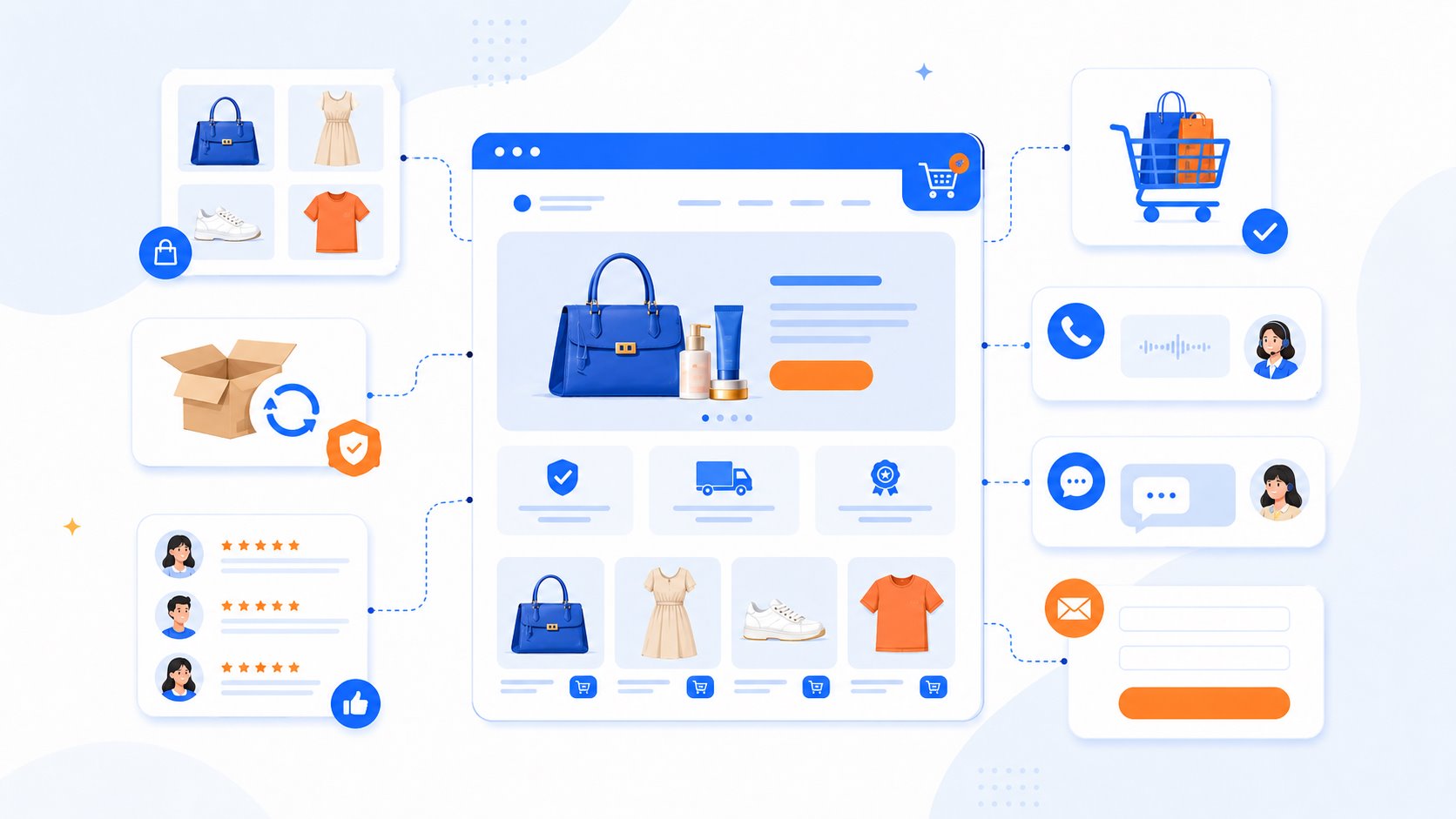
A small shop website does not need heavy effects. What matters is that customers understand quickly, trust enough and know where to click. A basic page should include:
- A clear first screen. Customers should know what the shop sells, who it is for and what makes it different.
- Featured products or product groups. Show images, short descriptions, prices or how to request a quote.
- Reasons to buy. Material, origin, warranty, return policy, delivery, consultation or commitments that fit the product.
- Trust signals. Real photos, customer feedback, order numbers, packaging photos, store photos or team photos if available.
- Easy contact buttons. Zalo, Messenger, call button, Facebook and a short form.
- FAQ and policies. Answer common questions about delivery fees, returns, delivery time and ordering.
If the budget is limited, prioritize real photos and clear product copy over fancy effects. A simple page with real product images, clear policies and visible contact buttons often helps customers ask faster than a flashy page that is hard to understand.
Mobile-friendly design is non-negotiable
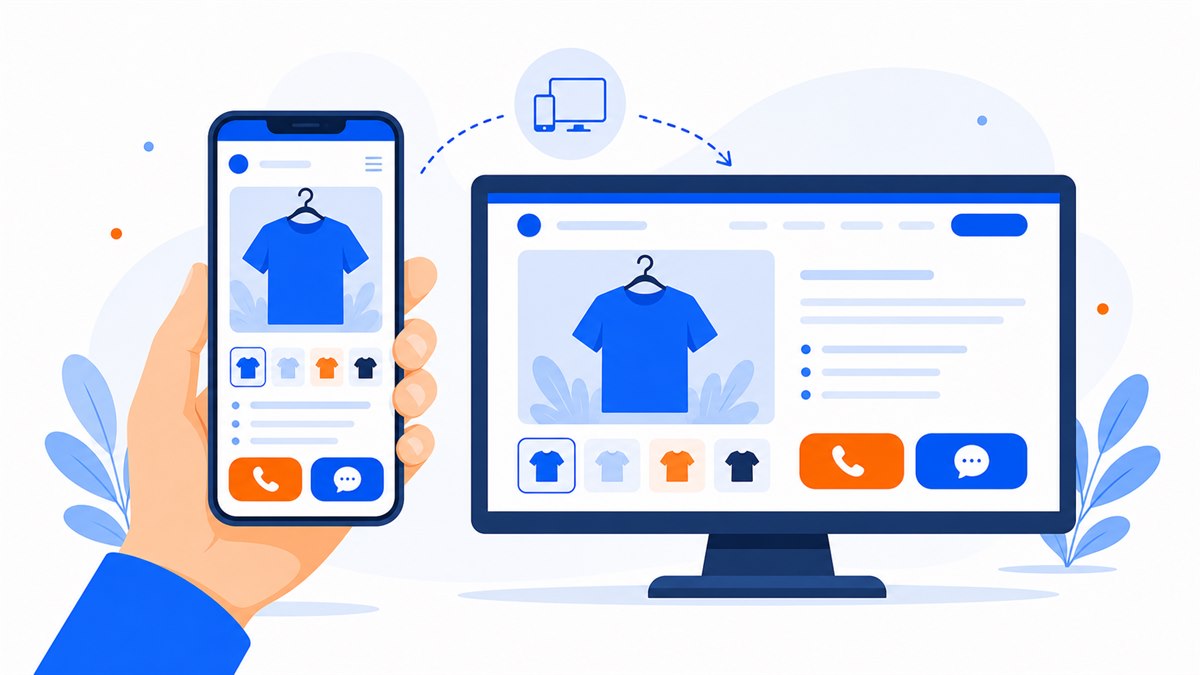
Small-shop customers usually open links on phones: from Facebook posts, Zalo messages, ads, QR codes or Google. A mobile-friendly website is not a nice extra; it is the minimum requirement for not losing customers.
- Text must be large enough to read while holding the phone in one hand.
- Images should be lightweight so pages load quickly.
- Call, Zalo and Messenger buttons should be easy to tap with a thumb.
- Forms should be short and not ask for too much information.
- The layout should not overflow horizontally or let text overlap images.
Before publishing, open the website on mobile data, scroll from top to bottom and tap every button. If the owner finds it slow or hard to use, new visitors will leave even faster. The mobile-friendly website checklist goes deeper into this.
Using a landing page for small-shop ads
When running ads, sending customers to a general fanpage is usually weak if the goal is to sell one specific product. The customer clicked because of one product, promotion or need; the landing page should continue that exact story.
For example, a fashion shop runs ads for a summer collection. The landing page should open directly to that collection, with model photos, material, sizes, prices, size-exchange policy, a Zalo button and a short consultation form. If visitors land on a general homepage with too many categories, they have to search again and may give up.
A good ad landing page needs
- A headline that matches the ad.
- Clear product images, ideally real photos.
- One main action: message, call, leave a phone number or order.
- Conversion tracking if the shop is serious about ads.
- Fast loading on mobile.
This connects directly to the guide on landing pages for Facebook and Google ads, especially if the shop runs ads regularly and needs to know which page creates leads.
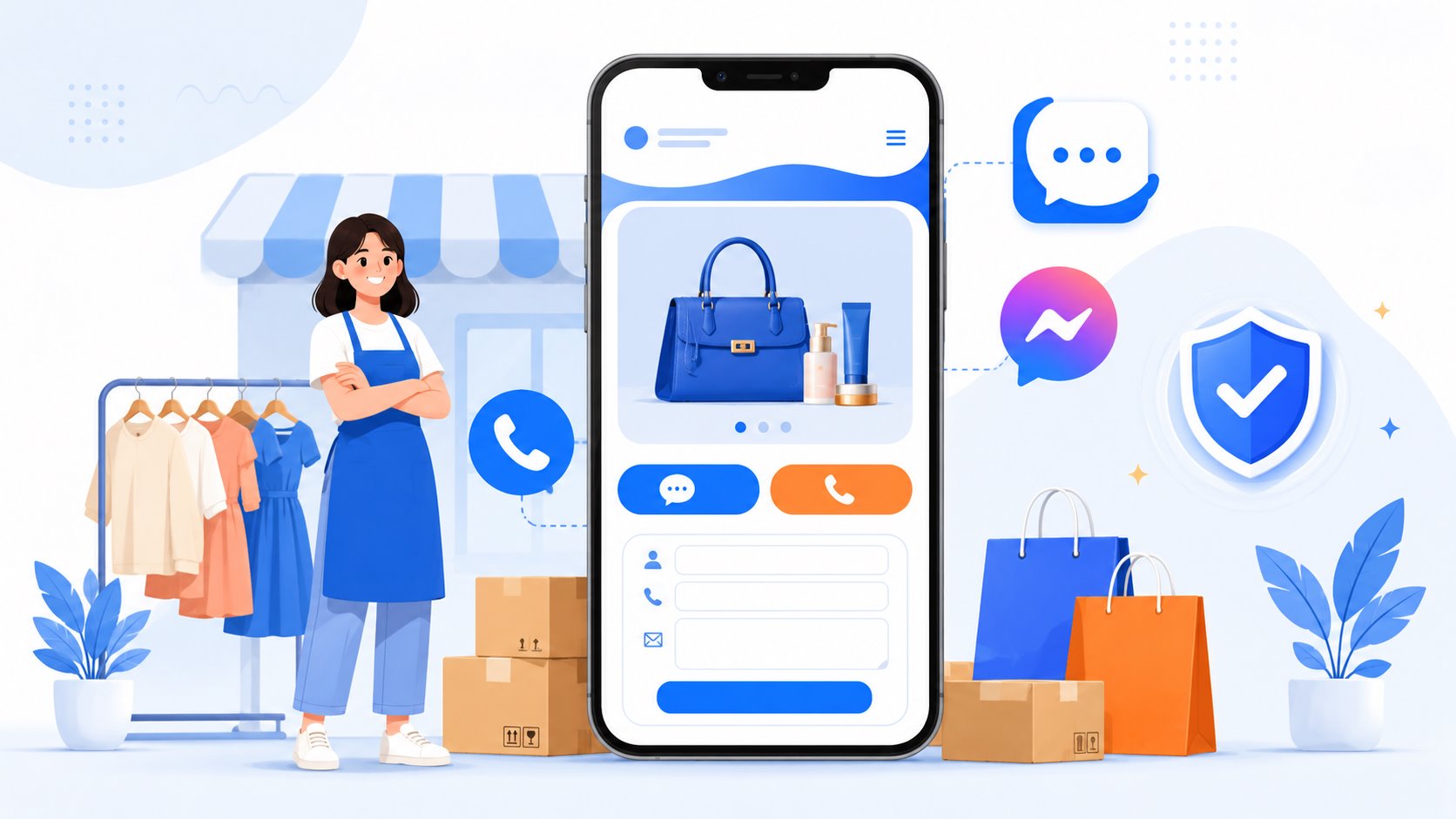
Contact channels to add to the website
Small shops often close orders through conversation, not long forms. The website should include channels customers already use and place them where they are easy to find on mobile.
- A quick call button for customers who want an immediate answer.
- Zalo for consultation, sending images and keeping the customer relationship.
- Messenger or Facebook for customers coming from the fanpage.
- A short form to collect name, phone number and product interest.
- Address, Google Maps or branch links if the shop has a physical store.
The important point is not to make customers hunt for the phone number at the bottom of the page. Contact buttons should appear on the first screen and have a floating mobile version. See the guide on integrating Zalo, Messenger and forms.
What to ask before choosing a cheap website package
A low-cost website is not a problem if the scope is clear. The risk is a low quote that later adds domain, hosting, chat buttons, forms, revisions, SSL or mandatory monthly fees.
Before hiring a packaged website design service, ask:
- Does the price include the first year of domain and hosting?
- How much is renewal from year two?
- Who owns the domain?
- Does the website include mobile-friendly design, SSL/https, Zalo, Messenger, call button and form?
- How many revision rounds are included?
- Will the source files or ownership be handed over?
- Is there any mandatory monthly fee?
For a benchmark, read What Does a $40 Website Package Include? to see what a basic package should cover.
A simple roadmap for small shops
You do not need to build everything at once. A simpler roadmap:
- Choose 1-3 key product groups for the page.
- Prepare real photos, prices or quote method, and return policy.
- Build a mobile-friendly one-page website or sales landing page.
- Add Zalo, Messenger, quick call, form and tracking code if running ads.
- Put the website link in the fanpage about section, pinned posts, Zalo OA and in-store QR codes.
- After collecting data, expand into product pages, SEO blog posts or checkout if needed.
With Web Trong Ngày, a small shop can start with the $40 package: demo in 24 hours, first-year domain and hosting included, Zalo, Messenger, Facebook, quick call, contact form, mobile-friendly layout, preview before payment and lifetime ownership. This is a practical starting point before investing in a larger website.
Frequently asked questions
Does a small shop website need a shopping cart?
Not always. If the shop closes orders through Zalo, Messenger or phone calls, a one-page website with products, prices, policies and contact buttons is enough to start. A cart makes more sense when there are many products, stable orders and a need to automate checkout.
Should a small shop use a website or only a Facebook page?
Use both. A Facebook page helps attract customers and start conversations, while a website keeps fixed information, builds trust and works as an ad landing page. With only a fanpage, information is easy to lose and the shop depends heavily on the platform.
Is a one-page website enough for ads?
Yes, if the page matches the ad message, loads quickly on mobile, has one main action and includes a contact channel or form. For one product, one offer or a short campaign, a one-page landing page is often a strong fit.
How mobile-friendly does a small shop website need to be?
Very mobile-friendly. Customers usually open links on phones, so text must be easy to read, images lightweight, contact buttons easy to tap, forms short and the layout free of horizontal overflow. Poor mobile experience can make customers leave before they see the product.
What are the risks of cheap website design for small shops?
The main risk is unclear scope: domain, hosting, SSL, chat buttons, forms, revisions or ownership may not be included. Before starting, ask for the scope, year-two renewal cost and whether there are mandatory monthly fees.
Need a professional website or landing page?
Web Trong Ngày delivers in 24 hours, all-in for $40 — preview the demo first, pay only when you are happy, own it for life.