Landing Pages for Facebook and Google Ads That Actually Convert
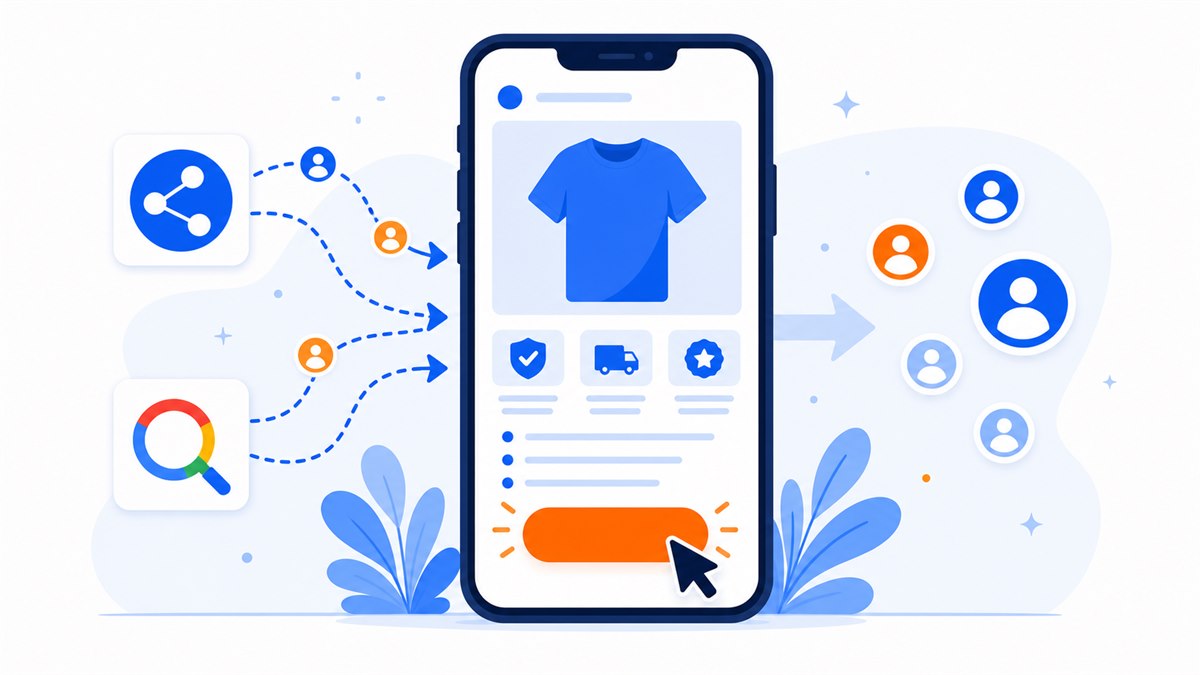
- Send each ad campaign to its own landing page for that exact product — never to the homepage or Facebook page.
- Match the photo, headline, and price between the ad and the landing page so visitors confirm they're in the right place within one second.
- The page must load fast on mobile; beyond about 3 seconds you lose visitors and the campaign becomes harder to optimize.
- One page, one goal, one main action button — plus Zalo and Messenger for visitors who prefer to message first.
- Always install Pixel and conversion tracking so you know which ad drives orders and can put budget where it works.
You're running Facebook or Google ads, money leaves your account every day, but orders trickle in. In most cases I've seen, the problem isn't the ad — it's the page people land on after they tap. A well-built ad landing page can double your orders without adding a single dollar to your budget.
When someone taps your ad, they're curious. They've raised their hand. But if the page loads slowly, looks cluttered, or says something completely different from the ad they just saw, they're gone in seconds. The money you paid for that click is wasted.
What decides whether an ad landing page actually drives orders: where you send people, how tightly the message matches, how fast it loads on a phone, and the mistakes that bleed ad budgets without shop owners ever noticing.
Why you should never send ads to your homepage or Facebook page
The most common mistake: running an ad for one specific product but sending people to the website homepage or Facebook page. The visitor wanted to see that winter jacket from the ad, but they land on a homepage full of menus, other promotions, and category links. They have to hunt for it themselves. Seven out of ten will give up and leave.
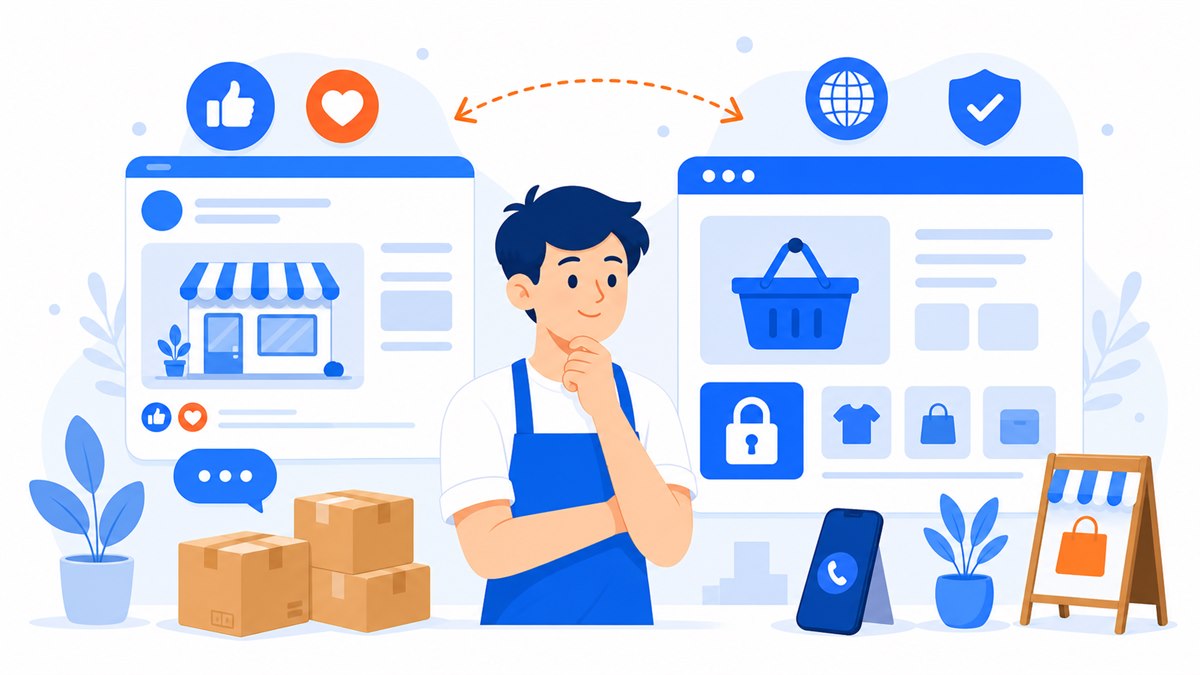
Sending people to a Facebook page is even worse for selling. Visitors see old posts, casual photos, a mix of comments, and no clear buy button. They scroll for a few seconds and leave. If you're torn between the two channels, Selling on Facebook Alone: Is It Enough? Website vs. Facebook Page works through this in detail.
An ad landing page has one job: pick up the story the ad started and guide the visitor to take action. No cluttered navigation, no links pulling people away. If you're not yet clear on how a landing page differs from a regular website, read What Is a Landing Page? A Plain-English Guide for Beginners before you start building.
Match your ad message to your landing page
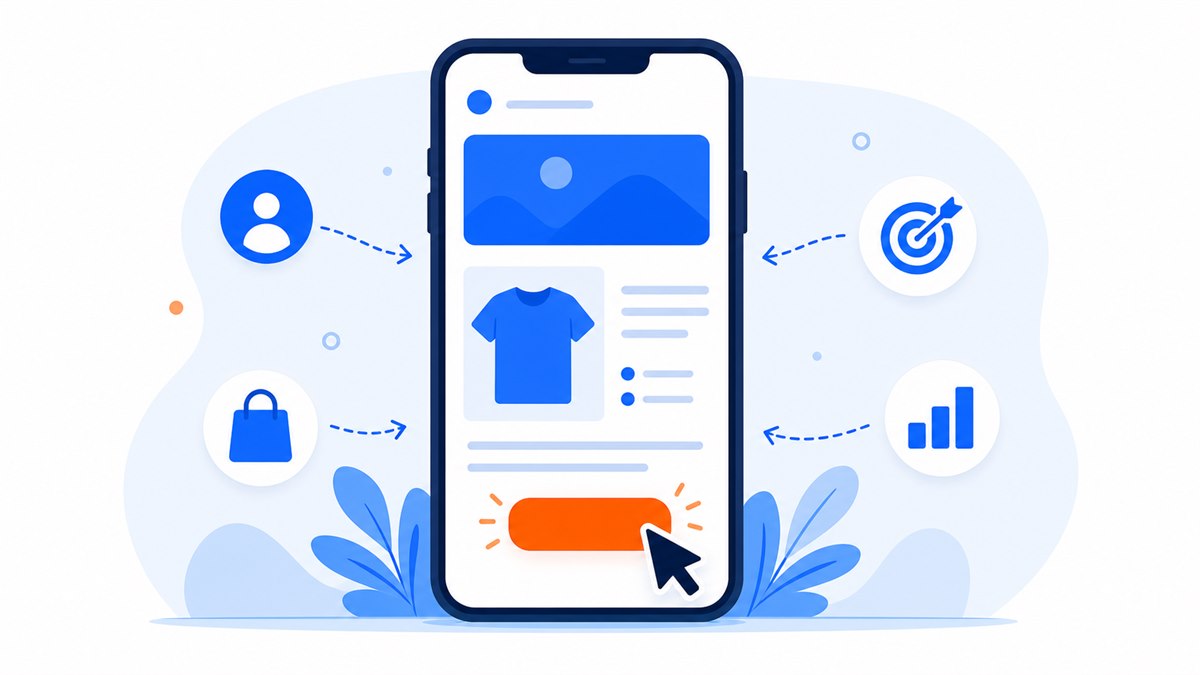
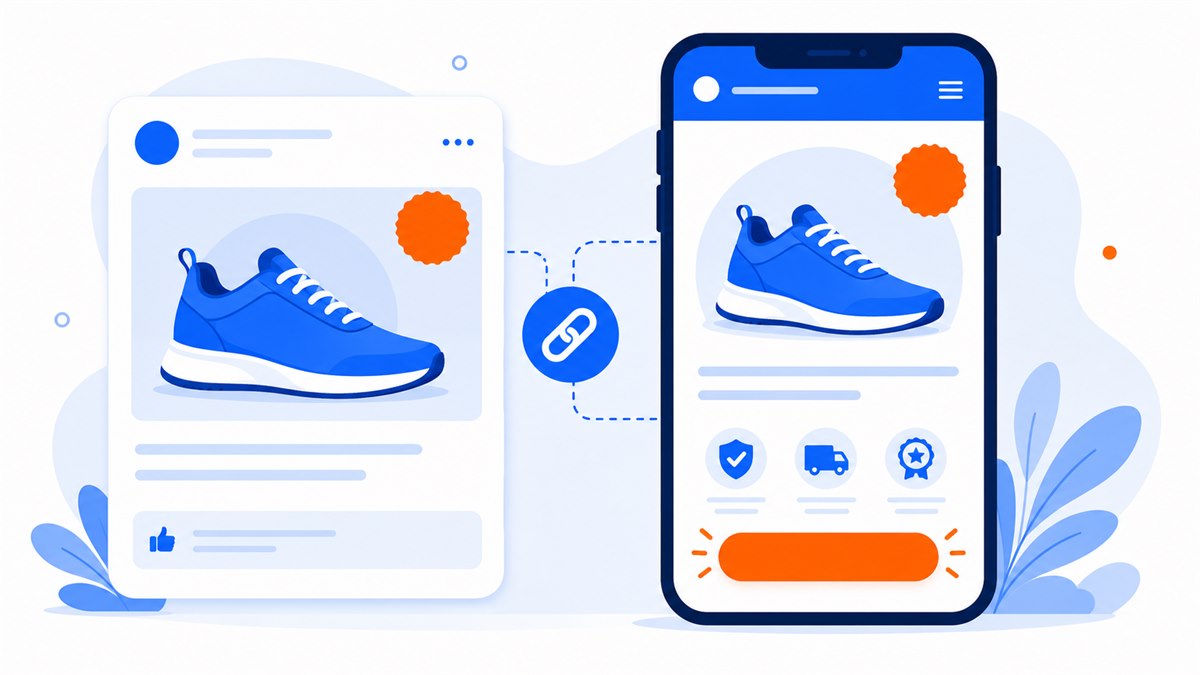
Someone taps your ad because one specific line caught their eye — say, "30% off winter jackets, free shipping." When they land on the page, they need to see exactly that: the same jacket, the same 30%, the same free shipping. This is message match. A visitor's eye has about one second to confirm "yes, I'm in the right place." If it doesn't match, they feel cheated and leave.
Match the photo, the copy, and the price
- Photo: The product image in the ad and the hero image on the landing page should be the same product, same angle if possible.
- Headline: The main headline at the top of the page should echo the exact promise from the ad — don't rephrase it.
- Offer and price: The discount figure in the ad and on the page must be identical. Visitors who spot a mismatch lose trust immediately.
Take a coffee shop running an ad for "Buy one, get one free, 2–4 p.m. only." The landing page should open with that time window right at the top, show a photo of the drink from the ad, and have a single button: "Reserve a table." Don't make the visitor land on the full drink menu and dig around to find out whether the deal is still on.
When someone taps an ad, they already have an expectation in their head. The landing page's job is to confirm that expectation in one second — not make them go searching all over again.
Fast mobile loading saves your ad budget
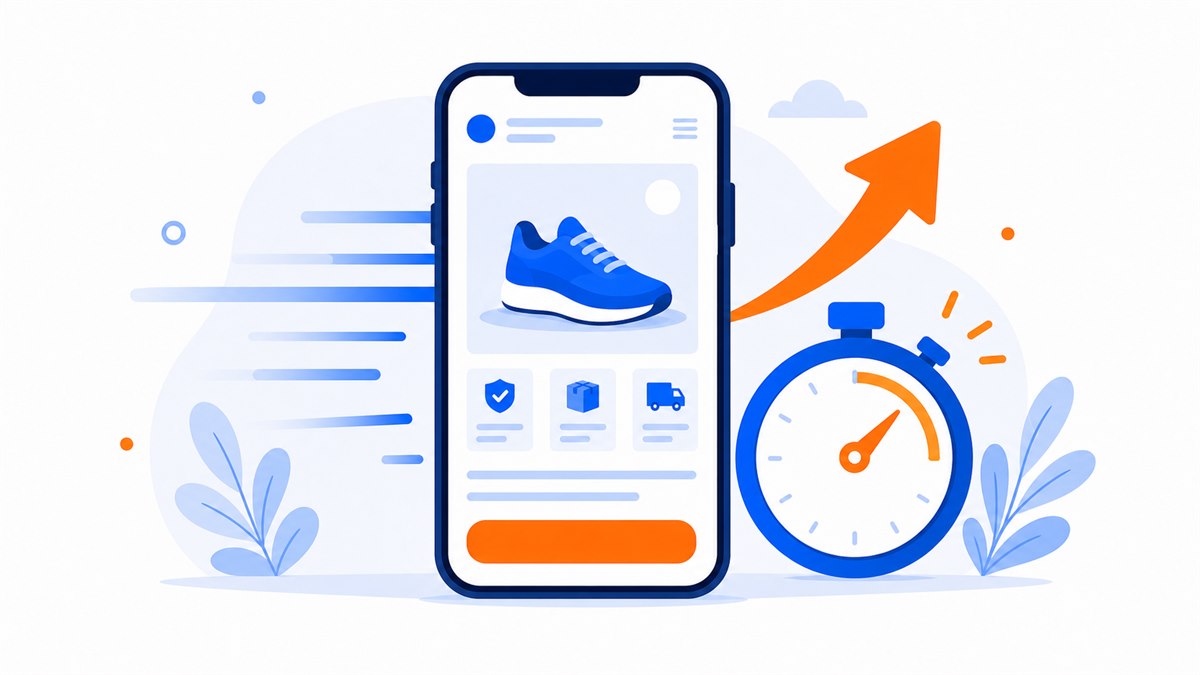
Most people tap ads on their phones — while grabbing coffee, on the bus, during a lunch break. Mobile networks aren't always fast. If a page takes more than about 3 seconds to load, a chunk of visitors have already left before the product even appears on screen. You still paid for that tap, but you sold nothing.
Slow loading doesn't just lose you customers. Both Google and Facebook quietly grade landing pages. Heavy, slow pages score lower, and a lower score pushes up the cost per click. In other words, a slow page makes you pay more for the same number of visitors — a hidden drain most shop owners never notice.
- Compress images before uploading — don't push a raw 5 MB camera file straight onto the page.
- Keep the landing page short and focused; don't cram in a dozen auto-playing videos.
- Lean copy and a clean layout always beat a drag-and-drop page stacked with heavy animations.
To understand exactly why those extra seconds cost so much and how to test your own page speed, Page Load Speed: Why It Matters and How to Improve It goes deeper.
One goal, one action — that's all an ad landing page needs
An ad landing page is not the place to show everything you offer. It serves one goal: capturing a phone number, closing a sale, or booking an appointment. Every extra button, every outbound link is another door for visitors to wander out of and never return.
I once reviewed a spa's landing page: the top section promoted a skin-care combo, but below it sat a button to the laser hair-removal page, a button for the full price list, a button back to the Facebook page, and a button to download the booking app. Visitors who arrived for the skin combo got pulled in four directions and left without leaving a single contact. Removing every side branch and keeping only one "Book a free consultation" button made the number of leads visible right away.
Put your call-to-action button in the right spots
The action button should appear as soon as the page opens, then repeat after each key section. On a phone, a persistent floating Zalo or call button at the bottom of the screen means visitors can tap the moment they're ready. How you write the button text also decides whether people tap it — Call-to-Action Buttons: How to Write and Place Them So Visitors Tap covers that in full.
Set up conversion tracking with Pixel and Analytics
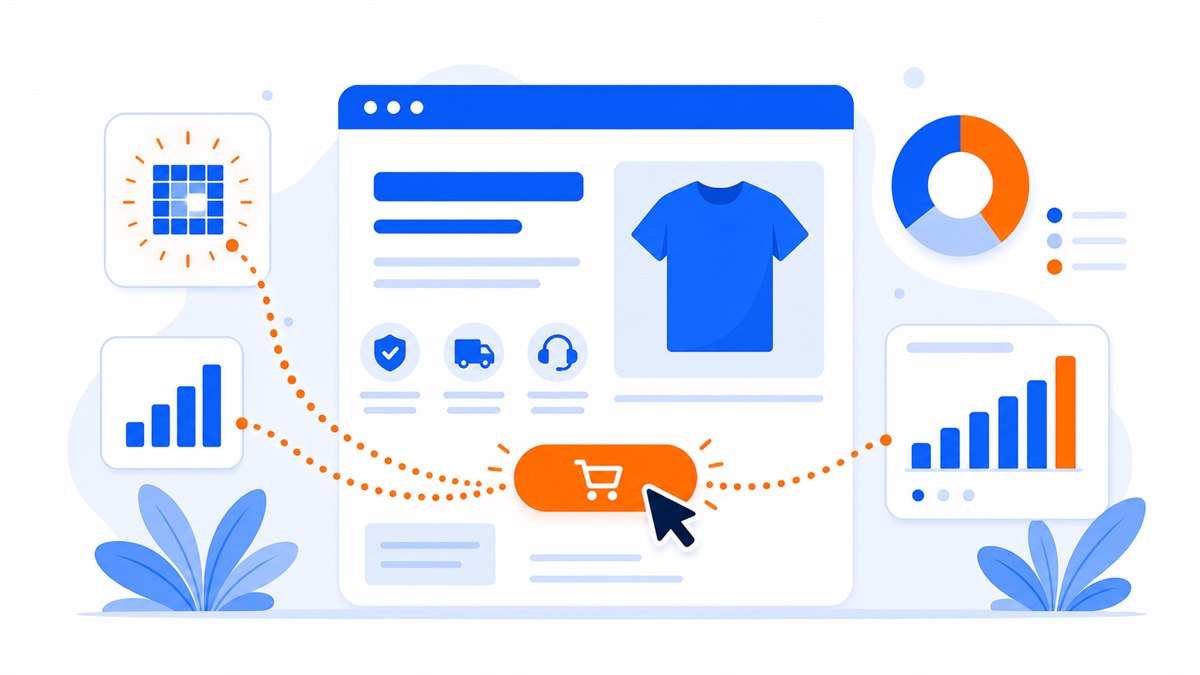
Running ads without conversion tracking is like driving at night with the headlights off. You know how much you're spending, but you have no idea which clicks turned into orders and which ones evaporated. Facebook Pixel and Google's tracking code are the headlights.
Pixel is a small snippet of code placed on your landing page. When a visitor taps the buy button, leaves a phone number, or submits a form, Pixel reports back to Facebook: "this person took action." Facebook then learns which type of person is most likely to buy, and starts pushing your ad to more people like them — so the cost per order gradually drops. Without Pixel, Facebook is guessing, and you pay for that guessing.
- Facebook Pixel: records actions on the page so Facebook can find more buyers who match your existing customers.
- Google Analytics: shows where visitors come from, how long they stay, and at which step they leave.
- Google conversion tracking: measures exactly which keyword or ad drove an order, so you can shift budget to what works.
This sounds technical, but it's really just placing the right snippet in the right spot. When you build a landing page with Web Trong Ngay, Pixel and tracking code setup is included — just hand over your ad account code and it's done.
Mistakes that quietly drain your ad budget
After building landing pages for many shop owners, these are the mistakes that burn ad money fastest:
- Sending traffic to the homepage or Facebook page instead of a dedicated page for the exact product being advertised.
- Slow page load on mobile — visitors leave before seeing the product, but you still pay for the click.
- Ad says one thing, page says another: mismatched price or photos destroy trust instantly.
- Too many buttons and outbound links pulling visitors in different directions at once.
- No Zalo, Messenger, or call button — visitors want to ask a question but can't find a way to reach you.
- Forgetting to install Pixel — running for weeks with no idea which ad drove orders, so you can't optimize.
Mistake number five comes up constantly. Vietnamese shoppers prefer to message and ask questions before buying — they rarely fill out a long form cold. A landing page with Zalo and Messenger buttons easy to reach closes far more inquiries. Integrating Zalo, Messenger, and a Form to Close Orders Faster walks through how to set these up cleanly.
Once things are running, the next move is squeezing more orders from the same traffic by refining small details. Conversion Rate Optimization for Landing Pages explains how to test and measure so the page keeps improving.
Where to get an ad landing page built fast and done right
On the market, a landing page built for ads typically runs $80 to $200 and takes 3 to 5 days. Monthly drag-and-drop platforms cost around $8 to $36 a month, but when you stop paying the page usually goes offline or gets restricted — which is a real problem mid-campaign.
For an ad landing page, prioritize one that's lightweight, mobile-ready, and comes with Zalo, Messenger, Facebook, tap-to-call, a short form, and the ability to plug in your own tracking code. Domain, hosting, HTTPS security, and full ownership should all be spelled out clearly before you pay.
- See the demo first, pay only when you're happy; two free revision rounds included.
- Full ownership handed over — source code and domain both.
- Pay once, no monthly fees. Lifetime technical warranty. Demo templates available by industry so you can preview before deciding.
Before committing to a bigger ad budget, open the page on your phone, tap the contact buttons, submit the form, and confirm the tracking code is firing. A landing page that matches your ad message, loads fast, and tracks conversions will show you exactly what your ad spend is actually producing.
Frequently asked questions
How is an ad landing page different from a regular website?
A regular website has many pages and many purposes. An ad landing page is a single page built for one campaign goal — closing a sale or capturing a phone number. It strips out navigation and side links so the visitor stays focused on one action.
Should I send my ads to my Facebook page?
Not if your goal is to sell. A Facebook page has no clear buy button; visitors get lost scrolling through posts and comments. A dedicated landing page that picks up exactly where the ad left off will bring in far more orders.
What is Pixel and why does it need to go on a landing page?
Pixel is a small Facebook code snippet placed on the page to record when visitors buy or leave their contact details. Facebook uses that data to learn who your buyers are and push the ad to more people like them, which gradually lowers the cost per order. Without Pixel, the ad runs blind.
How much does an ad landing page cost and how long does it take?
On the market, expect around $80 to $200 and a 3-to-5-day wait. When comparing quotes, ask whether the price already includes the domain, first-year hosting, SSL, mobile layout, contact buttons, a form, and ad tracking code.
Why does a slow page cost me more in ads?
Most people tap ads on phones. If the page takes more than about 3 seconds, many will leave — but you still pay for the click. Beyond that, page experience is a signal in ad systems, so a slow page tends to make campaigns harder to optimize and raises cost per click.
Need a professional website or landing page?
Web Trong Ngày delivers in 24 hours, all-in for $40 — preview the demo first, pay only when you are happy, own it for life.