How to Increase Traffic to a New Website
- A new website lacks traffic mainly because it is not indexed yet, lacks content matching real needs and has no channels sending visitors.
- Prioritize durable sources first: foundational SEO, content for search intent, Google Maps, Zalo and social media.
- The page must be crawlable, fast and mobile-friendly before content has a chance to rank.
- A blog cluster that answers search questions and links to the landing page with meaningful anchors helps both readers and SEO.
- Measure with Search Console and analytics to double down on the channels that work, instead of guessing.
A good-looking website with no visitors has not produced any customers yet. For a new website or landing page, the first few weeks are usually quiet: Google has not fully indexed the pages, no page ranks for the keywords customers search, and no channel is sending people in.
Increasing traffic is not only about running ads. Ads bring visitors the moment you pay, but the moment you stop paying, the visitors stop too. There are more durable sources: organic Google search, Google Maps, social media, Zalo and referring sites. A new website should build the durable sources first, then use ads to accelerate when needed.
Google Search Central recommends focusing on content that is helpful for readers and a technical base that lets search engines crawl, understand and rank the pages. Most durable ways to grow traffic come back to those two things: a page that is easy to find technically, and content that answers what people are actually searching for.
Why does a new website usually have no visitors?
A website that just went live does not attract visitors by itself. Google needs time to crawl and index the pages before it shows them in search results. A new site also has no built-up authority and no one referring to it, so it is hard to rank high right away. If the content does not target the keywords customers type, or the page is slow and hard to use on mobile, the chance of appearing drops further.
- The page is not indexed by Google yet, so it does not appear in search results.
- The content does not target the keywords customers actually type into search.
- No single page fully answers one question, so it is hard to rank.
- A local business has no Google Maps profile yet.
- The page loads slowly or is hard to use on mobile, so visitors leave before reading.
The important part is setting the right expectations. Indexing can take days to weeks; ranking for competitive keywords can take months. Do not trust promises of reaching the top in a few days. The early work is to remove technical blockers and publish content that matches real needs, so the page is ready when Google evaluates it.
A map of traffic sources: which channels come first?
Before starting, it helps to know where visitors can come from. Each channel has a different speed and cost. A new website on a small budget should prioritize durable, low-cost sources first, and only then consider ads.
- Organic search (SEO): customers type a need into Google and click a non-ad result. It takes time but is durable and you do not pay per click.
- Local search and Google Maps: ideal for shops, cafés and services with an address. Nearby customers find the profile, then call or visit.
- Social media and Zalo: pages, groups and Zalo bring people who already know about the website and create touchpoints to convert them.
- Referring sites: other websites, industry directories or partners link back to your pages.
- Direct traffic: customers type the domain directly from a business card, packaging, QR code, or because they remember the name.
- Paid ads: Google and Facebook bring traffic quickly, but cost money continuously and stop when the budget runs out.
A sensible order for most small businesses: build the SEO base, create a Google Maps profile, add Zalo and social media, then use ads to accelerate once there is a strong conversion page. If you are weighing a website against a social page, the guide on website vs Facebook page explains the role of each channel.
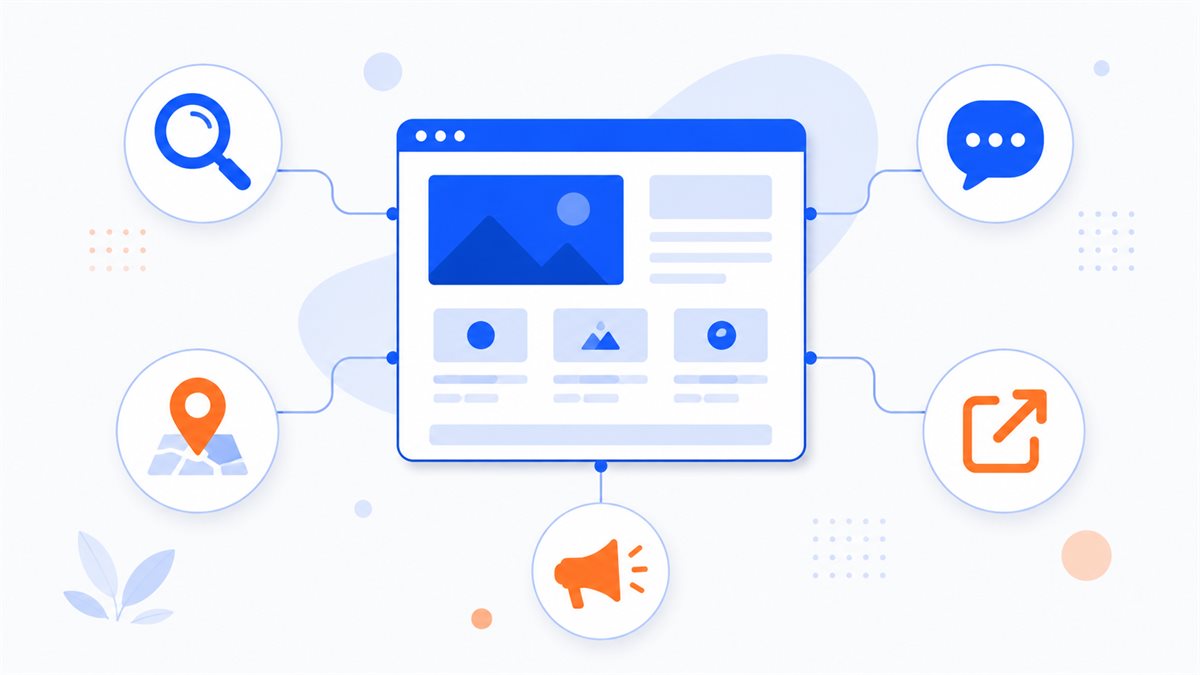
Build a technical base so Google can find and rank you
Before chasing traffic, make sure the page can be crawled, indexed and opened quickly. No matter how good the content is, if Google cannot read it or visitors have to wait, traffic stays low. This is the foundation, so it is worth doing once and doing cleanly.
- Make sure pages are not blocked from indexing: no stray noindex tag or robots rule blocking pages you need shown.
- Create a sitemap.xml and register the website in Google Search Console to see which pages are indexed and what errors remain.
- Keep the page fast; see page load speed to reduce image size and load in the right order.
- Make the page easy to use on mobile, since most visits come from phones; see mobile-friendly websites.
- Keep titles, meta descriptions, H1-H2 and internal links tidy; the on-page SEO checklist lists every item to review.
Google Search Console is the free, official tool for tracking indexing and seeing which keywords bring impressions and clicks to your pages. Registering early tells you whether Google has seen the page, instead of guessing. If the basics are new to you, the guide on what SEO is for beginners explains it from the start.
Choose keywords by search intent
Organic traffic arrives when content matches what people type into Google. So the first step is not writing, but finding the right keywords and understanding the intent behind them. For the same topic, someone just researching and someone about to buy will search very differently.
- List the questions customers ask during a consultation, then type them into Google to see autocomplete and the People also ask box.
- Group by intent: research (what is, should I, how much), comparison (A or B), and ready to buy (book, get a quote, near me).
- Each page serves one main intent group; do not stuff several unrelated topics into one page.
- For a new website, prioritize specific, lower-competition keywords, for example by adding an industry or area to the keyword.
A common split: the landing page targets buying intent, for example a service page with clear pricing and a contact button; the blog targets research intent, with each post answering one question. When you need to turn features into the benefits customers actually care about, the guide on writing landing page copy helps.
Content clusters that attract researchers and lead to the landing page
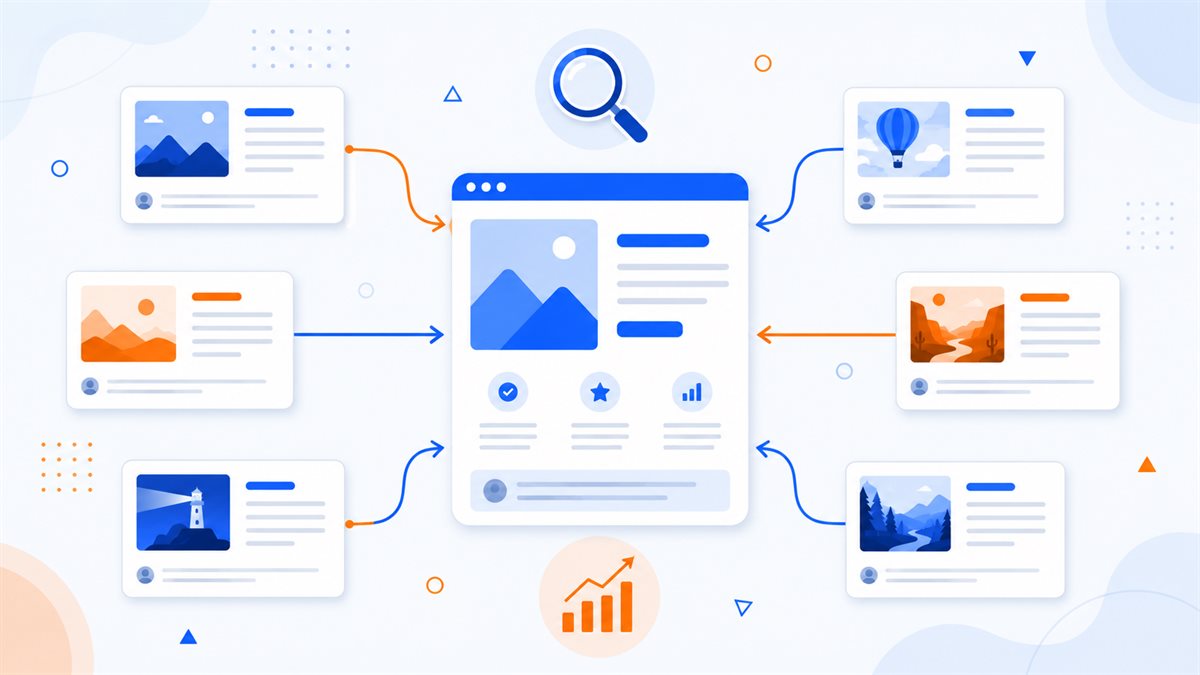
A single landing page struggles to attract much traffic on its own, because one page cannot cover every question customers search before buying. A more durable approach is to build a content cluster around it: each blog post answers one specific question, attracts the right researching visitors, then guides them to the service page once they understand their needs.
Internal linking does the quiet work here. When several blog posts point to one landing page using descriptive anchor text, readers move forward more easily and search engines understand more clearly what the landing page is about. This is one of the techniques that gives the conversion page itself stronger relevance signals.
- Each educational article links to 2-4 related posts so readers can go deeper and stay longer.
- Where buying intent is high, link to Web Trong Ngày pricing or the consultation form with anchor text that describes the destination.
- Use meaningful anchor text instead of click here, so Google understands what the destination is about.
- Have a few topic-related posts point to one service page to consolidate relevance signals for the landing page.
AI can help outline and draft this whole content cluster very quickly, but pricing, guarantees and examples still need human review; a safe way to combine them is covered in using AI to write SEO content. If you want to see what a conversion page looks like, the industry demo sites are clear examples.
Use local channels, social media and ads
Besides organic search, a business with an address or an existing audience should use channels that arrive faster. These channels support SEO rather than replace it, and most can start without much cost.
- Create a Google Business Profile to appear on Google Maps; see how to get on Google Maps. A complete profile with real photos and good reviews helps nearby customers find you.
- Add Zalo, Messenger and form buttons on the site to turn views into contact; see integrating Zalo, Messenger and forms.
- Post content to relevant pages and groups, each with a link back to the website to send people where they convert.
- When you need traffic quickly, run Google or Facebook ads and send them to a landing page for ad campaigns instead of a generic homepage.
Ads help accelerate, but track cost per customer and combine them with organic sources. A good campaign sends traffic to a destination page that matches the message, loads fast and has a clear contact button, so ad spend is not wasted at the final step.
Measure, and avoid the mistakes that stall traffic
Growing traffic is gradual work and needs measurement to find the direction. Google Search Console shows which keywords bring impressions and clicks; an analytics tool shows where visitors come from and which pages they view. From that data, double down on the channels that work and fix the weak parts, instead of guessing.
- Publishing the site and leaving it alone, without registering Search Console, so you do not know if pages are indexed.
- Writing generic content that does not answer one specific question, so it ranks for nothing.
- Stuffing keywords instead of writing for readers, making the page hard to read and unnatural.
- Ignoring speed and the mobile experience, so visitors leave before the page fully appears.
- Waiting for one viral post instead of building a content cluster and steady channels.
Traffic grows steadily when the technical base is solid, the content answers real needs, the channels are varied and measurement happens regularly. If you need a conversion page that already has SEO structure, Zalo and Messenger buttons, a lead form and good mobile speed, browse the industry demo sites or send a request through Web Trong Ngày.
Frequently asked questions
How long until a new website gets traffic from Google?
It depends on the page and the competition. Indexing can take days to weeks, while ranking for competitive keywords can take months. A solid technical base and content that matches real needs speed this up, but you should not trust promises of reaching the top in a few days.
Which way to increase traffic costs the least?
The durable, low-cost sources include foundational SEO, content built for search intent, a Google Maps profile, Zalo and social media. This group takes more effort than money, but lasts longer than paid ads.
Do I have to run ads for a website to get customers?
No. Ads bring traffic quickly, but the visitors stop when you stop paying. A new website can start with SEO, Google Maps and social media, then use ads to accelerate once there is a strong conversion page.
Can blog posts increase traffic to a landing page?
Yes. Each blog post that answers a question customers search attracts researching visitors, then internal links lead them to the landing page. Blog content attracts people in the research stage; the landing page converts those ready to get in touch.
How do I know which approach is working?
Use Google Search Console to see keywords, impressions and clicks; use an analytics tool to see traffic sources and the most-viewed pages. Track regularly, then focus on the channels and content bringing customers in.
Need a professional website or landing page?
Web Trong Ngày delivers in 24 hours, all-in for $40 — preview the demo first, pay only when you are happy, own it for life.